
Mechanic Guides
Automotive Oscilloscope Peak Detect: Find a Short Excursion Before Measuring It
Peak Detect can retain short excursions during a wide acquisition by saving extrema. Verify how your scope stores those points, save the survey and acquire sufficient time detail separately if the job depends on pulse duration.
Published · 4 min read
Quick answer
Peak Detect can retain short excursions during a wide acquisition by saving extrema. Verify how your scope stores those points, save the survey and acquire sufficient time detail separately if the job depends on pulse duration.
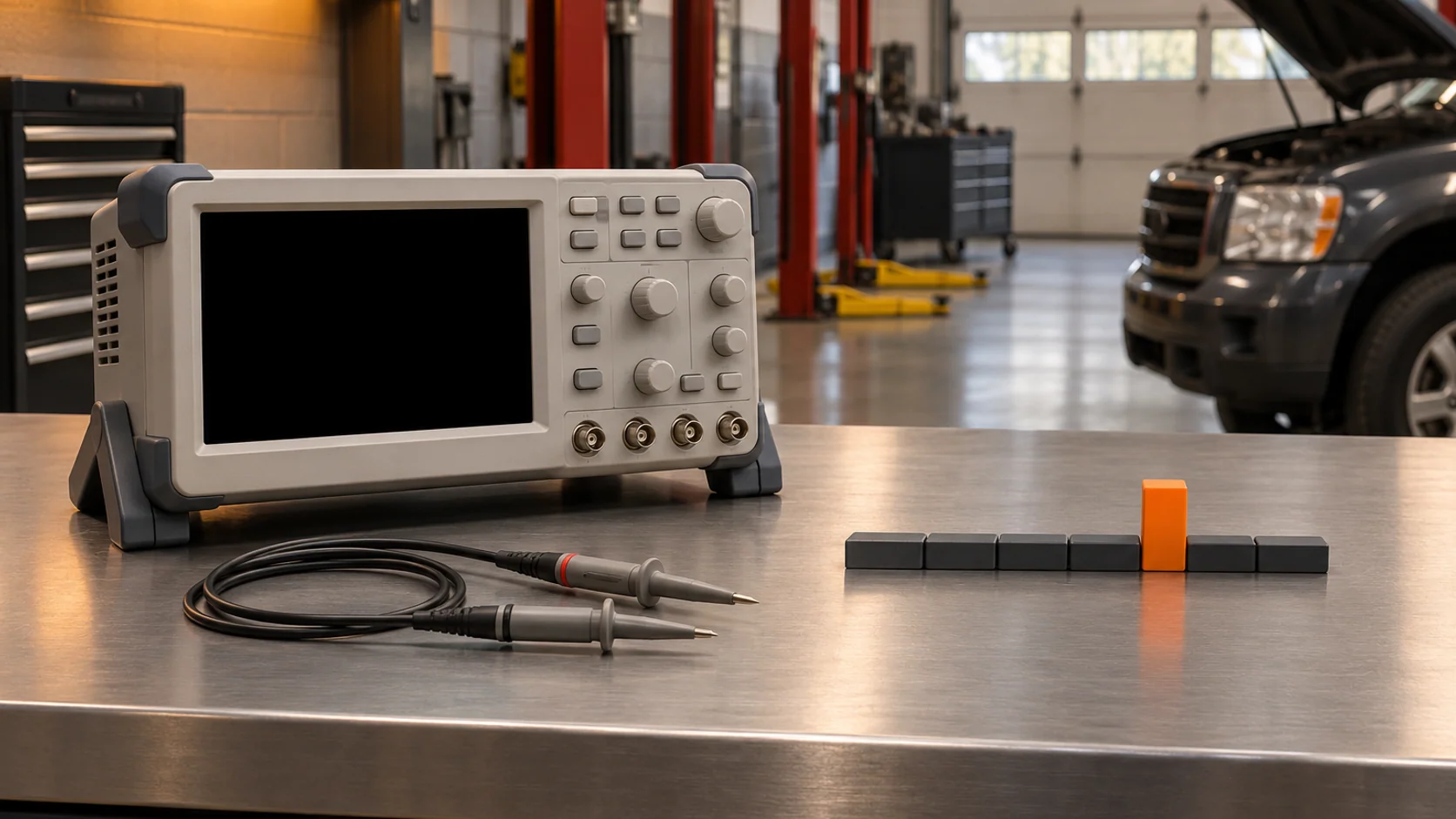
A technician leaves a scope recording long enough to catch an intermittent complaint. The trace comes back with one thin vertical mark. It may be the first useful clue in the job, but the shop still needs to know whether the mark represents a timed waveform or the range of values retained from part of the record. The acquisition mode determines what that distinction means.
Check how your scope stores the wide view
An instrument can digitize the input more frequently than it stores points in the record. In a mode that retains only one representative sample per interval, a short event can occur between retained points. Peak Detect can instead retain extrema from the faster samples. The grouping and display depend on the scope.
Keysight's 4000 X-Series training guide illustrates this with narrow glitches on a repeating signal. It describes a mode that keeps extrema from groups of samples and explains that the resulting retained points need not be evenly spaced. Read your scope's acquisition description before treating a plotted line or exported row as a uniformly sampled time series. Look for separate limits on the acquisition mode, enabled channels and available memory.
Make a survey capture you can explain
Start with the symptom window: a change at a particular command, a brief drop during a transition or an excursion somewhere in a longer event. Use the vehicle procedure and the scope and probe instructions for the connection, ratings and safe operating conditions. Keep the capture tied to a known signal and reference. A fast acquisition mode cannot recover a feature removed by the probe or channel bandwidth, and noise or clipping can also dominate an extreme value.
Record the scope model, enabled channels, probe settings, time span, mode, available sample information and trigger status. Keep the original acquisition and identify the channel with the mark. If you switch from Sample to Peak Detect, record each capture's settings and operating conditions. A difference between two separate acquisitions does not demonstrate that both saw the same event.
Pico's explanation of waveform update rates separates the rate of sampling within a capture from the rate of acquiring new waveforms. Peak Detect changes retention within a supported acquisition. The scope still has its own coverage between acquisitions. Record the conditions and time observed when nothing appears.
Return to the event when timing matters
In a fictional scope that keeps only minimum and maximum values for each survey bucket, two events can leave the same pair of values. One might be a short spike, while the other occupies much of the bucket. The stored pair has lost the intervening sequence. Measuring the width of the displayed bucket with cursors would measure the representation, without recovering the missing samples.
Save that survey and plan a second acquisition with enough time resolution and context to answer the specific question. Use a supported trigger that matches the event if appropriate, and confirm the trigger status. The pulse-width trigger guide covers trigger qualification. If the event cannot be reproduced with a suitable acquisition, leave duration and shape unresolved. An excursion can guide the next test without proving a part failed.
Hand off both observations
Use the worksheet to keep the wide survey, any detail capture and the next test together. A useful entry might read: “Channel A excursion retained in the survey. Mode and time window recorded. Pulse duration unconfirmed. Next step is a higher-detail capture under the recorded complaint conditions.” If the detail capture succeeds, document how it was associated with the same kind of event and keep its file beside the survey.
A second technician should be able to tell what was observed, how it was stored and which conclusion still needs evidence. Request STEP Early Access to follow its development for professional diagnostic work.