
Mechanic Guides
Borescope Image Orientation: Record the View Before Naming the Location
Separate borescope image rotation, mirroring and physical camera direction. Preserve the original view and location reference in a practical inspection record.
Published · 5 min read
Quick answer
Screen top and screen left do not establish a vehicle-side location. Identify the camera view, rotation or mirror setting and a known physical reference before labeling an inspection image.
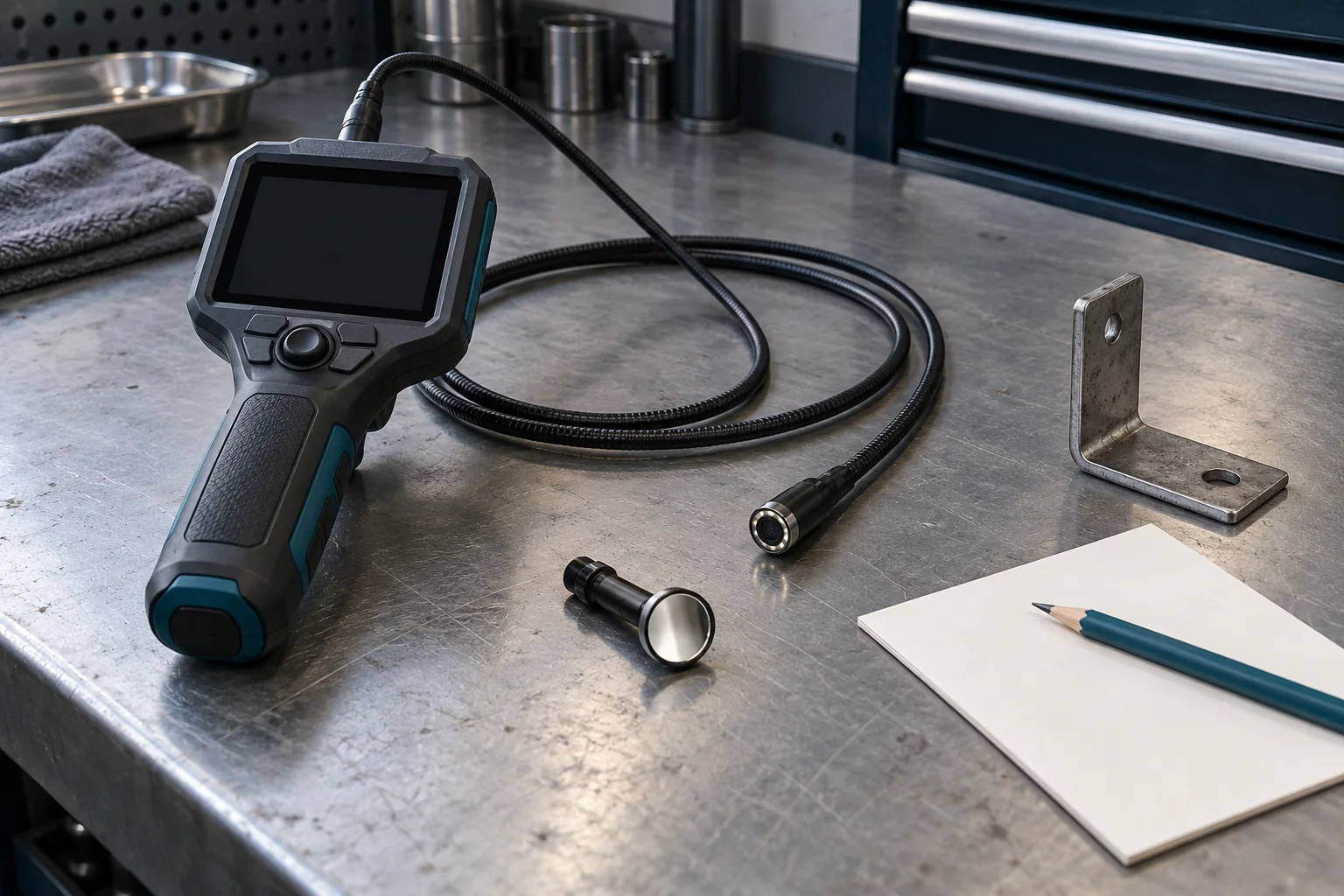
A borescope image can show a feature clearly while leaving its physical location uncertain. Screen left might change when the camera turns, the display rotates or a mirror setting changes. Before labeling a feature as belonging to a vehicle side or component, preserve how the view was obtained and what establishes its location.
This guide is a documentation workflow for professional mechanics and independent shops. It is not an insertion, engine-rotation or disassembly procedure. Confirm permitted access, equipment suitability, vehicle condition and safety requirements from the applicable instructions before inspecting anything.
Separate the camera view from the screen view
Keep physical camera placement and display processing as different entries. The access opening, viewing direction and fitted optical accessory describe the inspection setup. Rotation, mirroring and an up indicator describe how the tool presents that view. A convenient display does not automatically supply the missing vehicle reference.
The Innova 3380 manual, printed page 6, documents controls that rotate the displayed image left or right. The same manual describes that model as a live-view instrument without image storage. That combination is a useful reminder to check both orientation controls and recording capability on the actual tool.
If the instrument cannot save an image, identify the observation as live-view only. Do not imply that an original camera file exists. If a separate photograph is permitted and used, identify how it was made and the limitations of that record.
Rotation and mirroring need separate labels
Rotation changes the direction an image faces on the display. Mirroring changes its handedness. A note saying rotated is therefore incomplete if a mirror transformation was also active.
The ViewTech VJ-3 manual, section 8.3.4, documents live-view choices involving flipping, mirroring and their combination. Its options demonstrate why an orientation button should not be assumed to mean the same thing on every camera. Check the actual selected state and the relevant manual.
A physical mirror attachment is another setup detail. Record its presence separately from any electronic mirror setting. If the relationship between the displayed view and the object is uncertain, keep that uncertainty attached to the observation.
An up function still has limits
The Bosch GIC 120 C manual, printed page 9, describes Up is Up as rotating the image to present up at the display top. It also states limitations with the mirror fitted or the camera cable vertical.
The similarly named GIC 120 manual, printed page 11, instead describes a Compass View reference point indicating physical up, with corresponding limitations. These are identified model examples; an indicator and a rotating image are different functions.
As a documentation rule, physical up alone does not identify the vehicle's left side, an intake-side feature or a numbered cylinder. Attach the independently established vehicle or component reference needed for the specific location claim. If that reference is unavailable, describe only what the view supports.
Establish a reference before the handoff
Where the tool instructions permit, check the selected transformation against a known, asymmetric object outside the vehicle. Note what the check establishes and which settings or accessories were present. A change of lens, accessory or display mode should prompt another review of that relationship.
This suggested bench check is an original documentation aid. It does not establish the camera's later position inside a component. Keep the access point and physical location evidence in the inspection record as well.
For tools that save files, preserve the original camera file. Put rotated, cropped or annotated copies beside it with their changes identified. Do not silently replace the source image with an easier-to-read version and then infer the original orientation from that copy.
A fictional unlabeled-image example
In an invented handoff, technician A saves a close view and technician B receives a cropped copy labeled left side. The record does not identify the access point or mirror state. The visible mark may be real, but its assigned location is not yet established by that record.
Keep the original file, mark the location uncertain and recover the missing context from contemporaneous evidence. If another inspection is needed, use the applicable procedure. The crop alone does not justify naming a component, condemning a part or beginning disassembly.
Use the downloadable orientation record with the diagnostic report template to keep observation, location evidence and interpretation separate. To discuss inspection handoffs in your shop, request STEP early access.