
Mechanic Guides
Scan Tool vs Diagnostic Software: Compare the Job, Not the Label
Compare vehicle communication, repair information and case documentation with an original shop evaluation worksheet.
Published · 4 min read
Quick answer
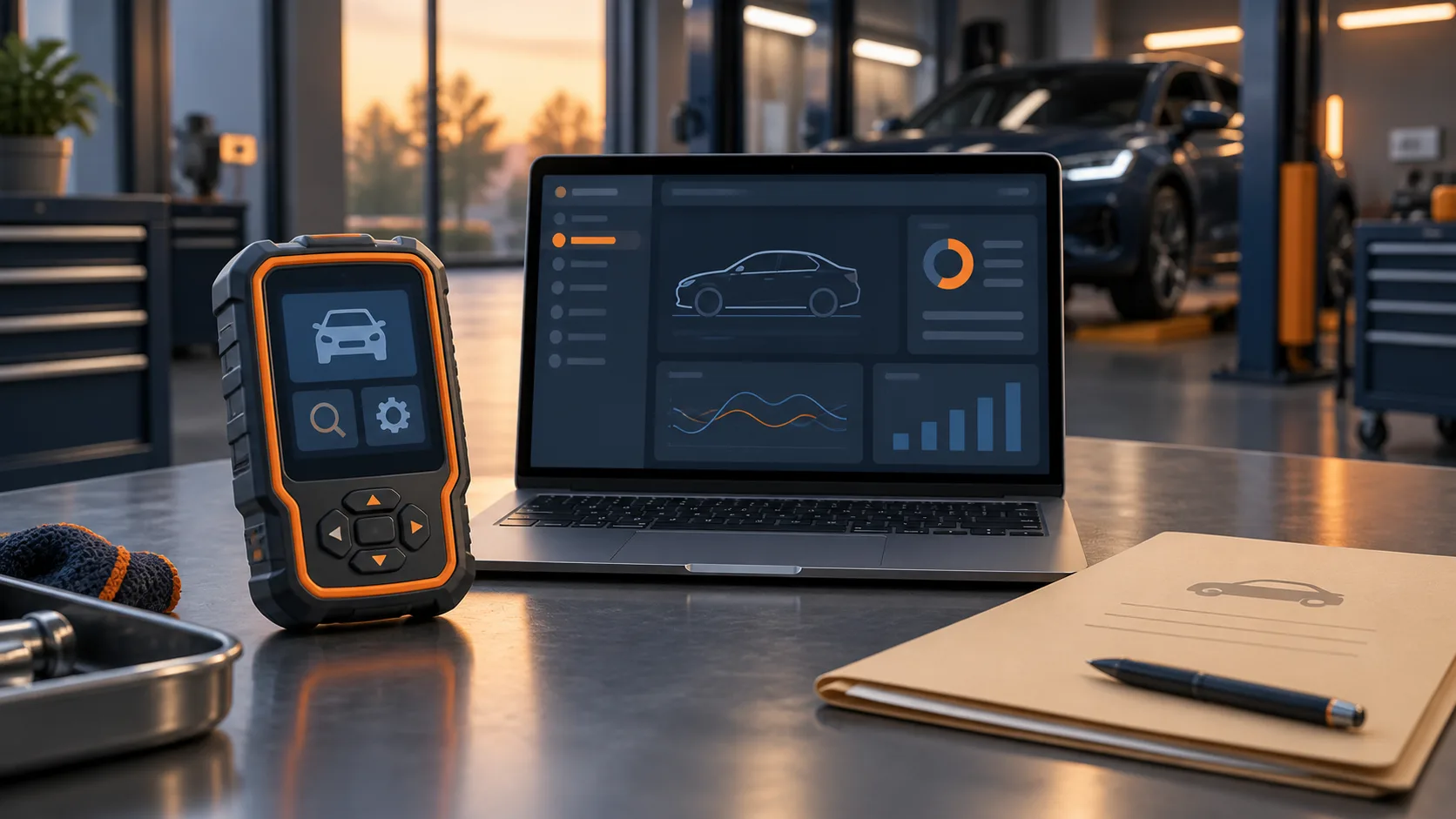
A scan tool and diagnostic software are not mutually exclusive categories. A scan tool uses software, and a laptop application with a compatible vehicle interface can perform scan-tool functions. For a repair shop, the useful comparison is which vehicle communication, service information and case-documentation tasks a product actually supports.
Start with the missing capability
Before comparing products, write down the job your current setup cannot complete. Does the technician need access to a particular module, an applicable wiring diagram, a supported actuator test, or a reliable way to retain the case findings? These are different requirements. A product described as diagnostic software does not automatically meet all of them.
Diagnostic software paired with a compatible vehicle interface can perform scan-tool functions. Check support for the actual vehicle, module and task instead of assuming that a product label defines its capabilities.
Separate three purchasing questions
Vehicle communication: Ask whether the proposed combination of hardware, software and subscription supports the exact vehicle, module and function your shop needs. A successful connection alone does not demonstrate every advertised function on that vehicle.
Service information: Ask where the applicable procedures, diagrams and specifications come from, and how the technician confirms the correct configuration. Access to information and communication with a vehicle are separate capabilities to verify, even when one product bundles them.
Case documentation: Ask how results can be saved, identified and retrieved. During a demonstration, have the vendor show a completed export and then reopen it. Decide whether another technician could identify the vehicle, test conditions, result and unresolved question from that record.
Run a demonstration around your own work
Choose a representative vehicle and a legitimate shop task. Give the vendor the required module and function before the demonstration. Ask them to distinguish included capability from an optional license, additional interface or separate service.
Use this original evaluation record:
- Vehicle and configuration to verify:
- Module and exact function required:
- Hardware/interface and software version demonstrated:
- Included license and additional access requirements:
- Service-information source and applicability shown:
- Exported evidence file and location:
- Limitation or failed demonstration:
- Follow-up question, owner and due date:
Mark an unanswered item as unverified. Do not turn a brochure statement into a passed demonstration.
Keep the result separate from the repair decision
Imagine that a demonstration produces a saved scan report. That proves the demonstrated reporting task. It does not, by itself, prove that the product can supply an applicable circuit test, perform programming or organize an unfinished case. Ask for each required capability individually.
For the same reason, a suggested repair should have a visible evidence trail. The technician should be able to explain which finding supports the next action and what remains uncertain. Our diagnostic process checklist provides a separate record for that decision.
Decide on evidence you can keep
Before purchase, retain the completed evaluation record and the vendor's written answers about coverage, access requirements and recurring charges. This guide does not rank products or promise that any one subscription replaces your existing tools.
If your shop wants to follow STEP's development, request early access. Confirm current capabilities during that conversation; this article is not a claim that STEP connects to vehicles or replaces a scan tool.