What this code means
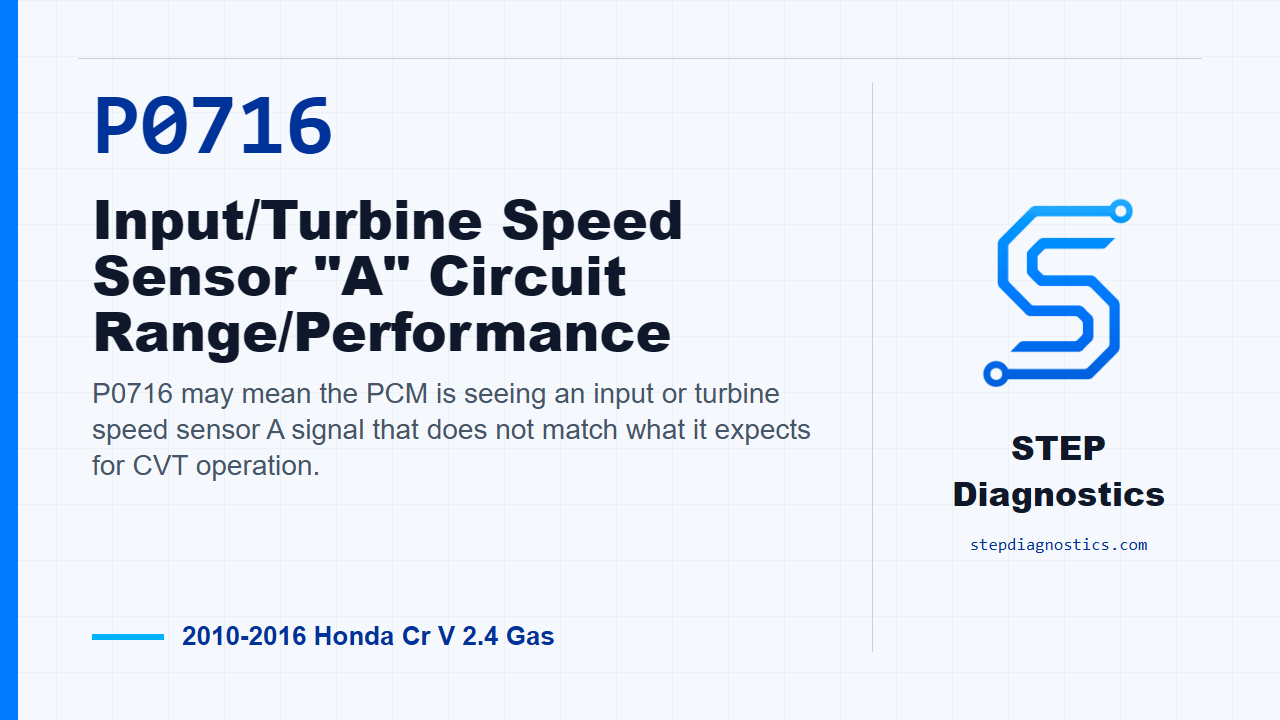
P0716 may mean the PCM is seeing an input or turbine speed sensor A signal that does not match what it expects for CVT operation.
What the vehicle may do
- The vehicle may show CVT-related driveability symptoms.
- A warning indicator may come on while the code is stored.
- The behavior can vary depending on whether the fault is active or intermittent.
Possible fault areas
- A possible issue in the torque converter turbine speed sensor signal path.
- Possible poor connector contact or loose terminals between the sensor and the PCM.
- Possible PCM software involvement.
- Possible PCM fault after the sensor signal checks OK.
Diagnostic path
Opening context
On this 2010 to 2016 Honda CR-V with the 2.4 gas engine, P0716 is a range/performance code for the input, or turbine, speed sensor A signal. In plain language, the PCM may not be seeing the turbine speed information it expects. The vehicle may have CVT-related driveability symptoms, or it may only set a warning with stored code information. For this diagnostic path, treat P0716 as an electrical circuit problem, not a mechanical transmission failure. The possible areas to keep in mind are the turbine speed sensor signal path, connector and terminal condition, PCM software, and the PCM itself. Start with the basic system checks, then move into the code-specific test.
Verify the problem first
First, verify whether the fault is active. Turn the vehicle to the ON mode and clear the DTC with the HDS. Raise the vehicle on a lift, make sure it is securely supported, and make sure the front wheels can rotate freely. Start the engine, then disable VSA with the VSA OFF button. Run the vehicle at speeds over 19 mph (30 km/h) for at least 30 seconds, then slow down and stop the wheels. After that, check for Pending or Confirmed DTCs with the HDS and see whether P0716 is indicated.
If the code does not return
If P0716 is not indicated during that verification, treat it as an intermittent failure. The system is OK at this time. Check for poor connections or loose terminals between the torque converter turbine speed sensor and the PCM. If captured data for this DTC is recorded, try to reproduce the failure under those same captured conditions rather than guessing.
If the code is duplicated
If P0716 is indicated, the failure is duplicated. Move to the turbine speed sensor comparison. With the shift lever in D, rotate the front wheels while watching the HDS Data List. Monitor Torque Converter Turbine Speed rpm and Input Shaft, or Drive Pulley, Speed rpm. Compare those two values and decide whether the speeds are about the same.
Interpret the speed comparison
If the torque converter turbine speed and input shaft speed are about the same, the torque converter turbine speed sensor is considered OK. At that point, update the PCM if it does not have the latest software, or substitute a known good PCM, then recheck. If P0716 goes away after the PCM update, troubleshooting is complete. If P0716 goes away with the known good PCM substituted, replace the original PCM. If the two speeds are not about the same, replace the torque converter turbine speed sensor.
Takeaway
The key on P0716 is to separate an intermittent connection problem from an active speed signal problem. Verify the code first, compare the turbine speed signal against input shaft speed, and only then follow the sensor or PCM side of the path. For more diagnostic training, visit stepdiagnostics.com.
Final check
Use the code-specific path to verify the fault, compare the speed signals, and avoid treating this as a mechanical transmission failure.
For more guided automotive diagnostics, visit STEP Diagnostics.