
Mechanic Guides
Current Clamp Multiple Turns: Count the Passes Before Recording the Current
Account for multiple conductor passes, probe sensitivity and display scaling before recording current. Includes a calculation and handoff worksheet.
Published · 5 min read
Quick answer
Multiple same-direction passes multiply the clamp-equivalent reading. Apply the correct probe sensitivity, then divide by the effective pass count only if the instrument or software has not already done so. Save the original output and both factors.
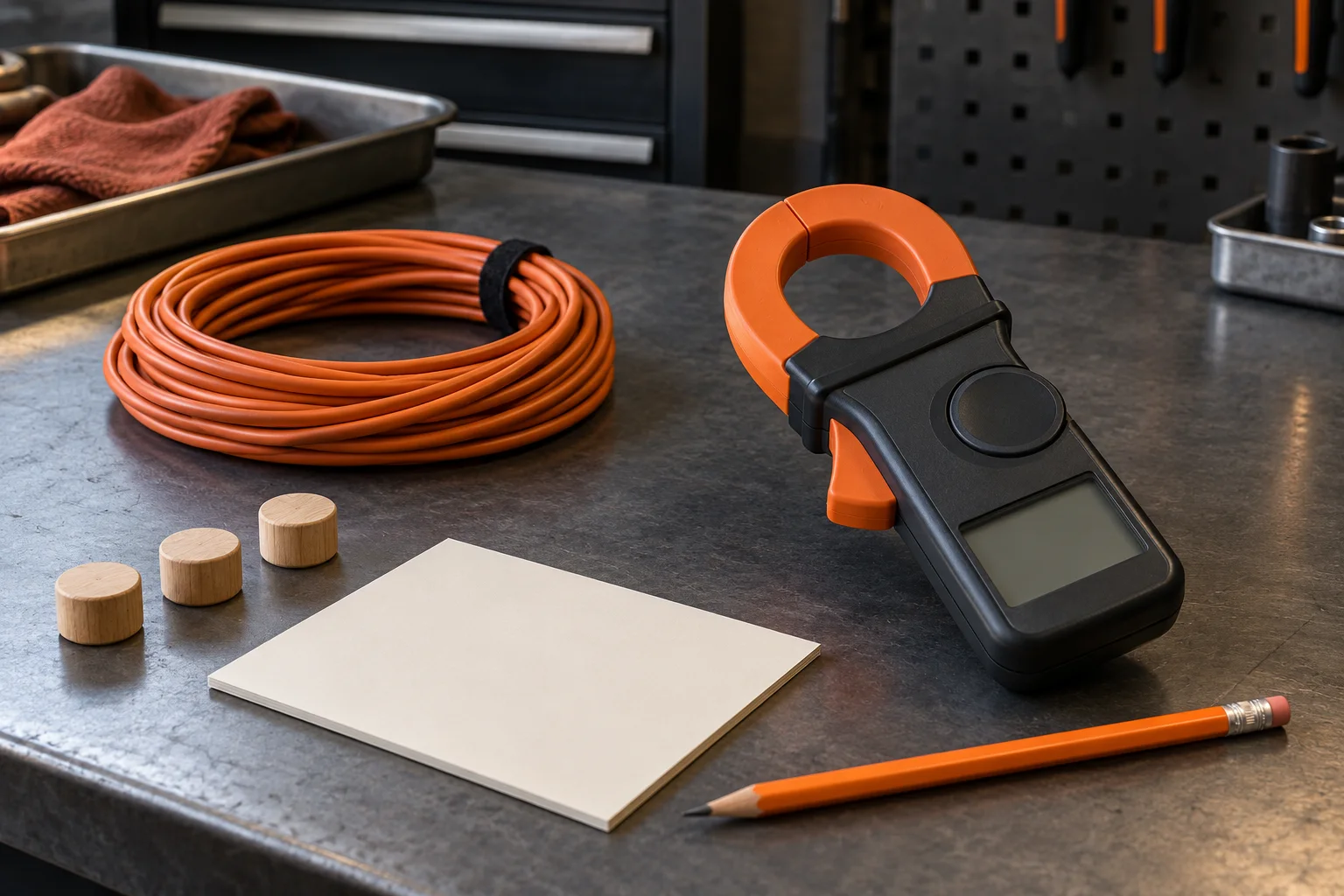
A current value can lose its meaning when the next technician receives a screenshot without the conductor arrangement. Several passes through a clamp can produce a larger indication than one pass of the same conductor. The handoff needs the original reading, the probe conversion and the pass count.
This guide explains the calculation and its record. Use a multiple-pass arrangement only when the exact equipment and test-fixture instructions permit it. Do not cut, disconnect or reroute a vehicle circuit simply to create extra turns. If suitable access is unavailable, use the applicable procedure and an appropriate measurement method.
Count passages through the opening
The useful count is how many times the same current-carrying conductor passes through the clamp opening in the same direction. A coil lying beside the tool does not establish that count. Preserve a setup photograph or sketch that lets another technician identify the actual passages and their directions.
Fluke's i800 instruction sheet, in its Meter Readings and Low-Level Current Measurement sections, explains that same-direction currents add, opposing directions subtract, and a permitted multiple-turn result requires division by the turn count. That identified accessory's measurement specifications cover AC; its example does not establish DC capability for another clamp.
A bundle containing outgoing and return conductors is a different arrangement from repeated passes of one conductor. Their magnetic contributions can oppose each other. A small net indication therefore does not, by itself, describe the current in either individual conductor. Record what is inside the opening before interpreting the number.
Keep two conversion steps separate
Some clamps display current directly. Others produce a voltage or current output that a separate meter or scope converts. Identify which value the saved file contains: raw output, clamp-equivalent current, or conductor current after a turn correction.
The Pico TA234 guide, DO247-2, identifies a 100 mV/A output sensitivity and explains selecting the corresponding probe scaling in PicoScope. This is a specific manufacturer's conversion example. Read the actual probe sensitivity and range for the tool being used.
When the software already displays the correct clamp-equivalent amperes, do not apply the voltage-to-current conversion again. Likewise, check whether a custom scale already includes the turn factor before dividing. Save the scaling definition or settings alongside the capture so that the arithmetic can be checked later.
Work through an invented example
Suppose an allowed bench setup uses three same-direction passes of one insulated conductor. The saved raw output is 60 mV, and the identified probe sensitivity is 100 mV/A. No turn correction has been applied by the software.
First convert output to clamp-equivalent current: 60 mV divided by 100 mV/A equals 0.60 A. Then account for the three passes: 0.60 A divided by 3 equals 0.20 A in that conductor.
These are invented arithmetic values, not a vehicle measurement, an acceptance limit or proof of measurement accuracy. If the screenshot already displayed 0.20 A using a documented combined scale, dividing it by three again would produce the wrong result. The original output and the saved scale reveal which calculation is appropriate.
Check the limits before using the result
A larger indication does not automatically establish a suitable low-current measurement. Confirm the permitted arrangement, AC or DC capability, measuring range and relevant accuracy specification. A calculation performed after an overloaded or unsuitable capture cannot validate that capture.
The TA234 guide separates its full-scale measurement ranges from its overcurrent protection range. Protection against damage is a different specification from the range supporting a valid measurement. Apply the limits for the actual equipment and arrangement; a turn correction is not permission to exceed them.
For a DC-capable tool, preserve its required baseline check as well. The separate DC current-clamp zero-check guide addresses that reference. Turn counting and baseline verification answer different setup questions.
Leave a calculation another technician can repeat
Use the downloadable record to keep the raw observation and interpretation together:
- Identify the conductor and permitted fixture arrangement, with a setup reference.
- Record pass count and direction, probe model, mode, range and output sensitivity.
- Preserve the original value and units, software scaling and any turn correction already applied.
- Show each conversion and retain unresolved limits beside the calculated result.
An independent shop benefits when the next technician can reproduce the calculation without guessing what the screenshot represents. Keep this record with the diagnostic report template, then choose the next test from the applicable procedure and complaint. To discuss evidence handoffs in your shop, request STEP Early Access.