What this code means
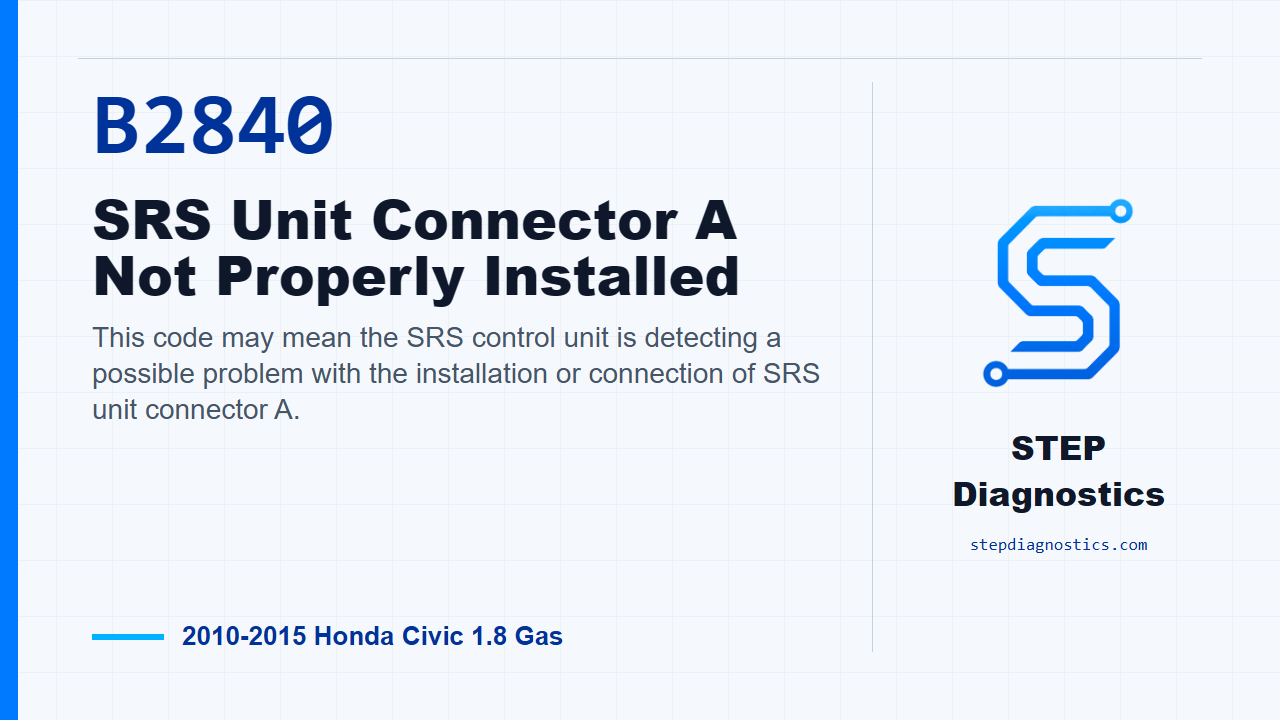
This code may mean the SRS control unit is detecting a possible problem with the installation or connection of SRS unit connector A.
What the vehicle may do
- The SRS warning indicator may come on.
- The SRS system may store the code as current or intermittent.
- The vehicle may otherwise drive normally while the SRS system has a stored fault.
Possible fault areas
- A possible loose or poorly seated SRS unit connector.
- Possible poor terminal contact or terminal damage at the SRS unit.
- A possible dashboard wire harness concern.
- A possible SRS unit software concern before a module replacement decision.
Diagnostic path
Code overview and safety setup
On this Civic, B2840-13 points to the SRS unit connector A not being properly installed. In plain language, the airbag control unit may not be seeing that connector the way it expects to. The vehicle may turn on the SRS warning indicator, and the fault area can be a loose or poorly seated SRS unit connector, terminal damage at the SRS unit, a dashboard harness issue, or an SRS unit software concern before any module replacement decision is made. Before getting into the checks, ask whether the vehicle has been in a collision. If it has, make sure the required SRS components were installed new, were the correct part number, and were installed properly. Also follow normal SRS precautions, general troubleshooting practice, and the battery disconnect and reconnect procedure.
Confirm the code
Start by verifying the problem with the HDS. Clear the DTCs, turn the ignition switch to ON (II), wait for 10 seconds, then check for codes again. If B2840-13 comes right back, the fault is duplicated and you move into the connector inspection. If B2840-13 does not return, treat it as an intermittent condition and the system is OK at this time. If a different code is present, diagnose that code instead of forcing this path.
Inspect SRS unit connector A
Next, turn the ignition switch to LOCK (0). Check the connection at SRS unit connector A, the 39P connector. You are deciding whether the connector connection itself is OK. If the connector is seated and the connection looks OK, continue to the SRS unit terminal check. If the connection is poor, repair that connector connection before going any farther.
Recheck after repairing a poor connection
After repairing the poor connector connection found in the previous step, clear the DTCs with the HDS. Turn the ignition switch to ON (II), wait for 10 seconds, then check for DTCs again. If B2840-13 is no longer indicated, the system is OK at this time. If B2840-13 is still indicated, turn the ignition switch back to LOCK (0), then continue to the SRS unit terminal inspection.
Inspect SRS unit terminals and make the repair decision
For the SRS unit check, disconnect the negative cable from the battery, then wait at least 3 minutes before disconnecting SRS unit connector A, the 39P connector. With the connector disconnected, check the SRS unit for bent or damaged terminals. If any terminals are bent or damaged, the repair path is to replace the SRS unit. Before replacing the SRS unit, check the SRS unit software version with the HDS. If the software is not the latest version, update the SRS unit software and retest. If the SRS unit terminals are not bent or damaged, the repair path is to replace the dashboard wire harness, then clear the DTC.
Final verification
Keep the verification separate from the inspection work. After the repair path is completed, clear the code and confirm B2840-13 stays gone under the same basic key-on check used at the start. The takeaway is simple: prove the code first, inspect the SRS unit connector, retest after any connection repair, then use the SRS unit terminal condition to choose the final repair path. For more diagnostic training, visit stepdiagnostics.com.
Final check
B2840-13 is usually approached by confirming the code, checking the SRS unit connector connection, retesting after any connector repair, and then inspecting SRS unit terminals before choosing the next
For more guided automotive diagnostics, visit STEP Diagnostics.