What this code means
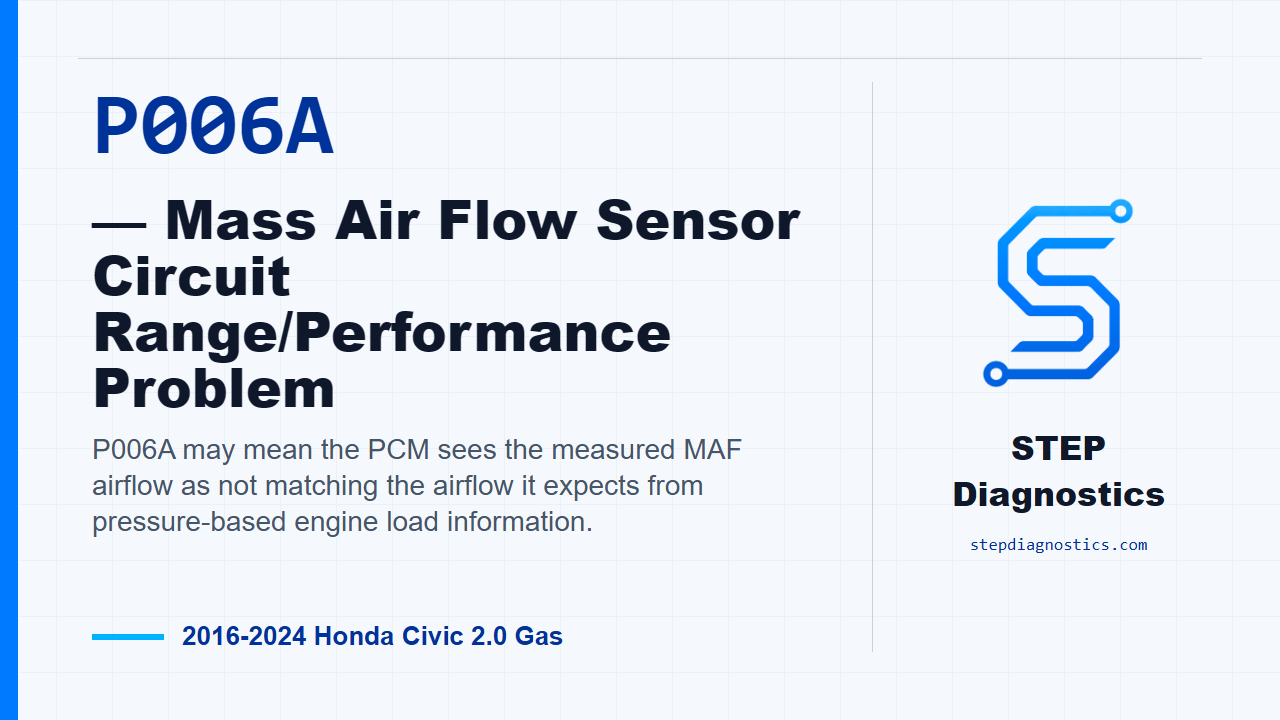
P006A may mean the PCM sees the measured MAF airflow as not matching the airflow it expects from pressure-based engine load information.
What the vehicle may do
- The check engine light may be on.
- The vehicle can have possible drivability symptoms when airflow calculation is not consistent.
Possible fault areas
- Possible intake air path connection, damage, or blockage issues.
- Possible PCV-related airflow issue.
- Possible MAF or IAT sensor signal behavior issue.
- Possible MAP or BARO input context that should be checked first if related faults are present.
Diagnostic path
Open on what P006A is looking at
On this Civic, P006A is a mass air flow sensor range or performance code. In plain terms, the PCM may be seeing a mismatch between the air measured by the MAF sensor and the air it expects based on manifold pressure. The vehicle may have a check engine light, and it can have drivability complaints when the airflow calculation is off. Broadly, possible fault areas include the intake air path, PCV-related airflow, sensor input issues, or MAP and BARO information that needs to be trusted before judging the MAF side.
Do the checks in the right order
Start with the basic system checks and follow a structured diagnostic approach. Before chasing P006A directly, look for related MAP or BARO sensor faults. If any of those are present, handle those first, because this code depends on the PCM comparing MAF airflow against pressure-based airflow. If the pressure information is wrong, the MAF diagnosis can point you in the wrong direction.
Reproduce the operating conditions
Next, reproduce the operating conditions for the code. Start the engine, then hold engine speed at 3,000 rpm with no load — CVT in P or N, or manual transmission in neutral — until the radiator fan comes on. After that, let the engine idle. Then test-drive the vehicle for several minutes in the same general range as the captured conditions: engine speed, vehicle speed, MAP sensor voltage, and throttle position. While doing that, watch the scan tool OBD status for P006A.
Check the airflow path before blaming the sensor
If P006A is active in that confirmation, move into the airflow inspections. For the intake air and PCV side, check the connection condition and look for damage around the PCV valve and hose, air cleaner area, intake ducting, purge line, brake booster, and booster hose. A problem here points toward an intake air or PCV system issue, not automatically a bad sensor. Then check the intake air duct and air cleaner housing for connection problems or blockage. If that inspection is abnormal, stay focused on the intake air system components before moving on.
Evaluate the MAF signal behavior
Once the airflow path checks out, look at the MAF sensor data. With the engine stopped, the scan tool MAF Sensor reading should be about 0.2 g/s. If that is not right, the fault area is the MAF sensor and IAT sensor assembly. Then start the engine and vary engine speed between 2,000 rpm and 3,000 rpm while watching the MAF Sensor value. The value should change as engine speed changes. If it does not respond correctly, the fault area is again the MAF sensor and IAT sensor assembly.
Verification and takeaway
Keep verification separate from the component checks. After correcting whatever the ordered testing identified, run the same warm-up and road-test conditions again and watch that P006A does not return in OBD status. If your diagnostic path calls for an air cleaner element check and the exact check detail is not available at the bay, pause, recheck the earlier diagnostic path, and avoid guessing at a pass or fail. The takeaway is simple: prove the MAP and BARO inputs are not leading you astray, confirm the code under the captured operating conditions, inspect the air path, then judge the MAF data. For more diagnostic training, visit stepdiagnostics.com.
Final check
For P006A, confirm the operating condition, make sure pressure-sensor context is valid, inspect the airflow path, then evaluate MAF signal behavior.
For more guided automotive diagnostics, visit STEP Diagnostics.