What this code means
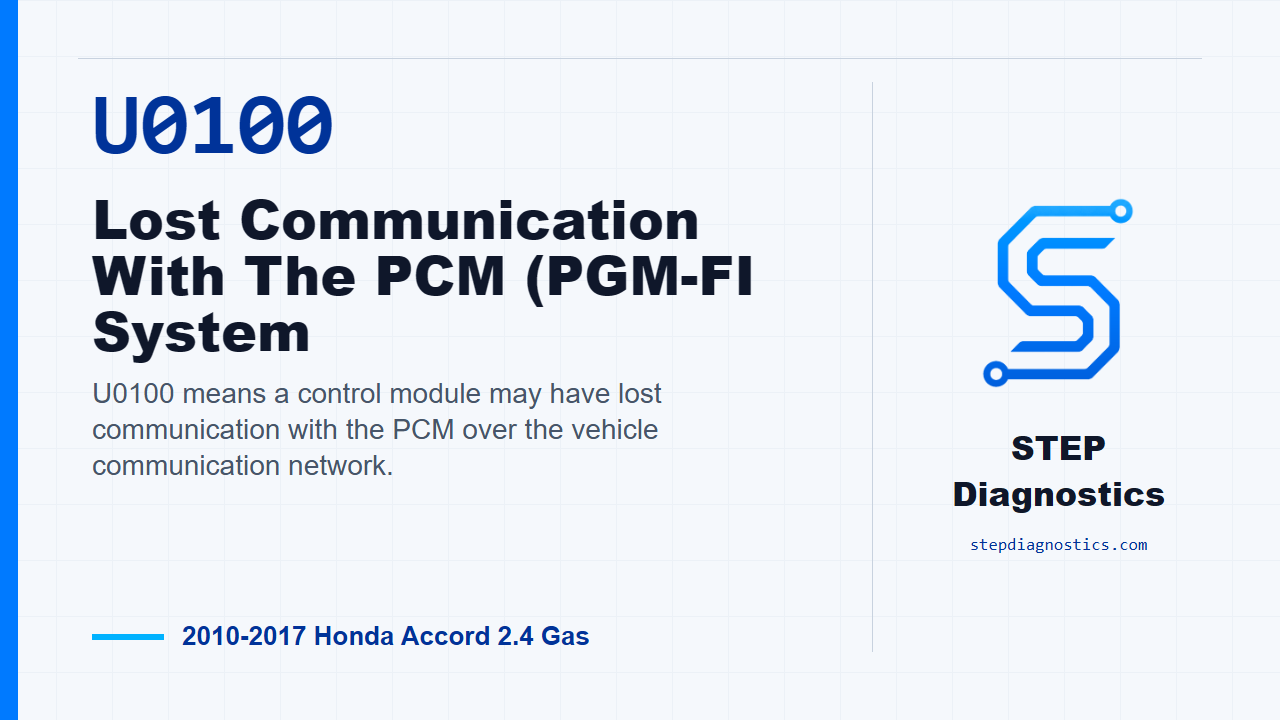
U0100 means a control module may have lost communication with the PCM over the vehicle communication network.
What the vehicle may do
- The vehicle may show warning messages or warning lamps.
- Camera-related or driver-assist functions may be unavailable.
- The code can be intermittent and may not return immediately.
Possible fault areas
- Communication wiring between modules
- Connector or terminal condition
- PCM communication side
- Multipurpose camera unit side
Diagnostic path
Opening context
On this Accord, U0100 means the multipurpose camera unit may have lost communication with the PCM. The vehicle may show warning messages, camera-related functions may be unavailable, or the fault may only show up intermittently. Broadly, this can involve the communication wiring between the camera unit and the PCM, connector or terminal condition, the PCM side of the circuit, or the camera unit itself. Before getting into the pinpoint checks, start with the basic system checks and make sure there is not a bigger system issue steering the diagnosis.
Verify the fault first
Start by verifying the problem. Turn the vehicle to the ON mode, clear the DTC with the HDS, then turn the vehicle to the OFF, LOCK, mode. Turn it back to the ON mode and wait for at least 5 seconds, then check for DTCs again with the HDS. If U0100-00 is indicated again, the failure is duplicated and you move into the circuit check. If it does not come back, treat it as an intermittent fault. The system is OK at this time, and if captured data is available, try to reproduce the fault under those same conditions instead of guessing.
Check the F-CAN lines for an open
With the fault duplicated, check the F-CAN low and F-CAN high circuits for an open between the multipurpose camera unit and the PCM. Turn the vehicle to the OFF, LOCK, mode and wait 2 minutes. Disconnect the multipurpose camera unit 20P connector and PCM connector A, 51P. Then check continuity between the camera unit connector and the PCM connector. On the 2.4 K24W1 application, check multipurpose camera unit 20P terminal No. 13 to PCM connector A terminal No. 1, and multipurpose camera unit 20P terminal No. 2 to PCM connector A terminal No. 2. If there is continuity, the F-CAN wiring is OK for this check and you continue to the PCM substitution check. If there is no continuity, repair the open in the wire between the multipurpose camera unit and the PCM.
Substitute a known-good PCM
Next, reconnect the multipurpose camera unit 20P connector and PCM connector A, 51P. Substitute a known-good PCM. Clear the DTC with the HDS, turn the vehicle to the OFF, LOCK, mode, then turn it back to the ON mode and wait for at least 5 seconds. Check for DTCs with the HDS again. If U0100-00 is still indicated with the known-good PCM in place, check for loose terminals and poor connections at the multipurpose camera unit 20P connector. If those connections are OK, replace the multipurpose camera unit. If U0100-00 is not indicated after the known-good PCM is installed, replace the PCM.
Takeaway
Takeaway: verify U0100 first, prove the F-CAN wiring between the camera unit and PCM, then use the known-good PCM check to separate a PCM-side fault from a camera-unit-side fault. For more diagnostic training, visit stepdiagnostics.com.
Final check
This code often needs a communication-path diagnosis before any module decision is made.
For more guided automotive diagnostics, visit STEP Diagnostics.