What this code means
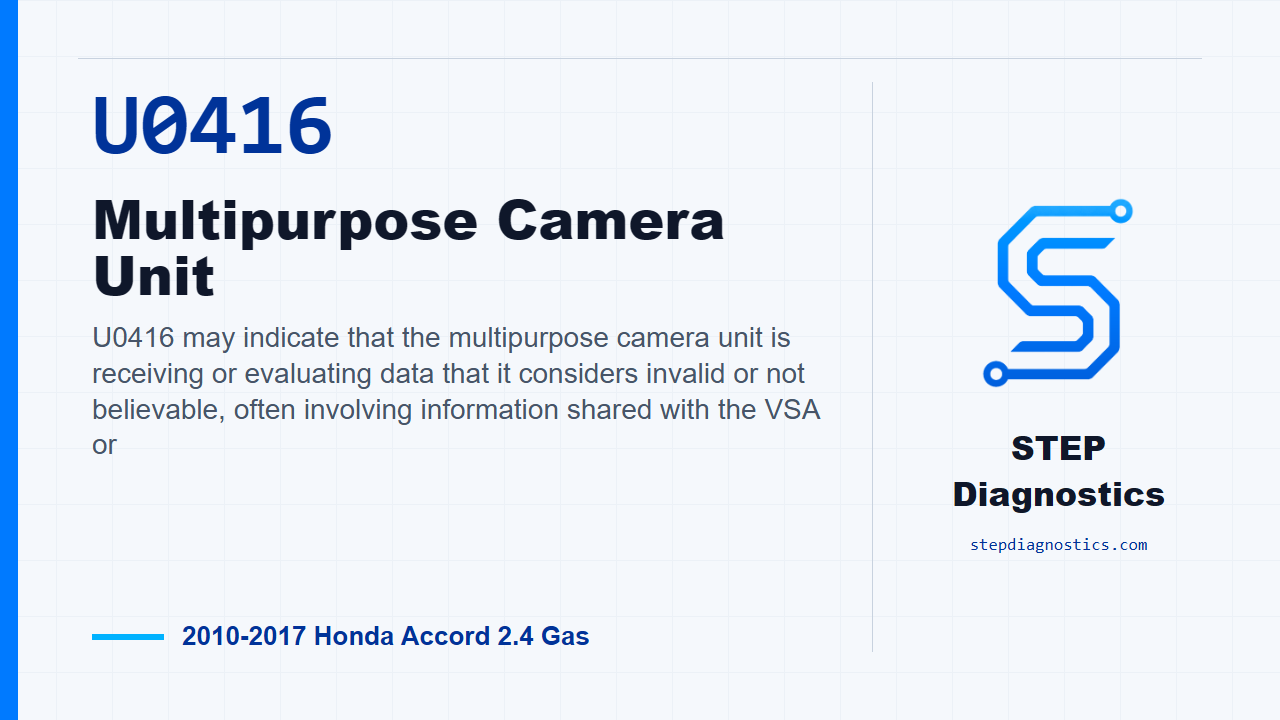
U0416 may indicate that the multipurpose camera unit is receiving or evaluating data that it considers invalid or not believable, often involving information shared with the VSA or
What the vehicle may do
- The vehicle may show driver-assist or stability-related warnings.
- Camera-based assist features can be limited or unavailable.
- The code may also be found during a scan without a clear driver complaint.
Possible fault areas
- Possible VSA system codes or related system data concerns.
- Possible loose terminals or poor connections at the multipurpose camera unit connector.
- Possible multipurpose camera unit internal fault.
- Possible intermittent condition that may only appear under the captured operating conditions.
Diagnostic path
Set up the diagnosis
For this Accord, U0416 is being handled at the multipurpose camera unit. In plain terms, the camera system may be seeing data it does not trust, often tied into the stability-control side of the vehicle. The driver may see warning messages, driver-assist functions may be limited, or the code may show up during a scan with no obvious complaint. Before getting deep into the code, start with the basic system checks so you are not chasing a camera fault while another system is already reporting a problem.
Check the VSA side first
Start with the vehicle in ON mode. Use the HDS and check the VSA system for codes. If any VSA codes are present, do not continue straight into the camera unit path. Diagnose the indicated VSA code first, because this U-code can be reacting to information from that system. If there are no VSA codes indicated, then continue to the U0416 verification step.
Verify whether U0416 comes back
Next, clear the code with the HDS. Turn the vehicle to OFF, then turn it back to ON and wait for at least 5 seconds. After that, check for codes again with the HDS. The decision here is whether U0416-68 or U0416-F8 is indicated in the camera unit path.
If the code returns
If the U0416 result comes back during that check, inspect the multipurpose camera unit 20P connector for loose terminals and poor connections. If the terminals and connections are OK, the diagnostic path calls for replacing the multipurpose camera unit.
If the code does not return
If the U0416 result does not return after the clear and key cycle, treat it as an intermittent failure. The system is OK at this time. If captured data is available from when the code set, try to reproduce the captured conditions instead of guessing at a failed part.
Takeaway
The key on this one is sequence: check the VSA side first, then clear and see whether U0416 comes back, then separate a hard connector or camera-unit fault from an intermittent condition. For more diagnostic training, visit stepdiagnostics.com.
Final check
Check related system codes first, then verify whether U0416 returns before calling the fault current or intermittent.
For more guided automotive diagnostics, visit STEP Diagnostics.