What this code means
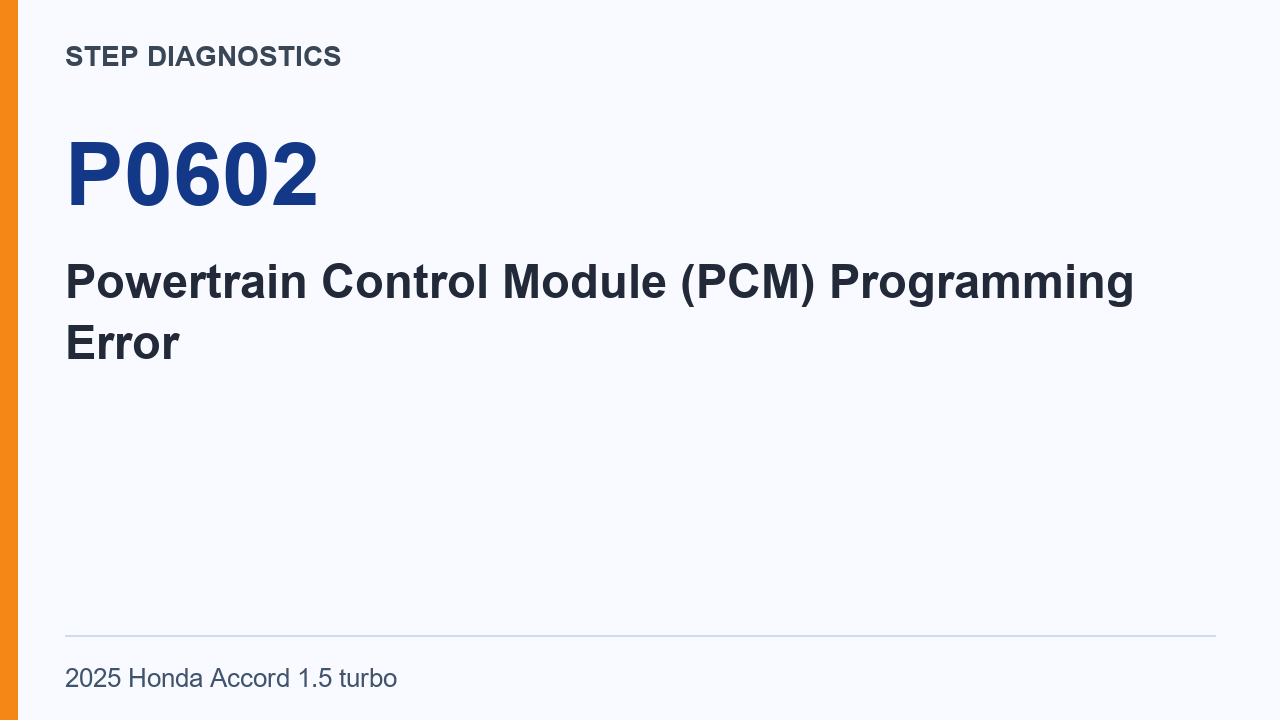
P0602 can indicate a PCM programming error when its update is not completed.
P0602 concerns PCM programming. The condition described here is an update that has not been completed, followed by the code being stored. The procedure therefore focuses on prerequisite software-code work, a confirmation condition, the update and the confirmation result afterward.
This guide follows that software-related sequence. The important distinction is between the stored programming-error condition and the result obtained after the prescribed update. The final normal or abnormal result is what separates the two conclusions given by this procedure.
What the vehicle may do
- The PCM can store P0602 when its update is incomplete.
Possible fault areas
- The fault may involve PCM software writing or the PCM itself.
Address the listed prerequisite code first, then establish the confirmation condition. The PCM update follows the explicit instruction about keeping the vehicle in ON mode throughout the operation.
After the update, repeat the stated confirmation and use its code-indication criterion. Keeping the before-update and after-update observations separate makes the result understandable: the procedure gives a software-writing conclusion for its normal branch and a PCM problem for its abnormal branch.
Diagnostic path
Understand the stored condition
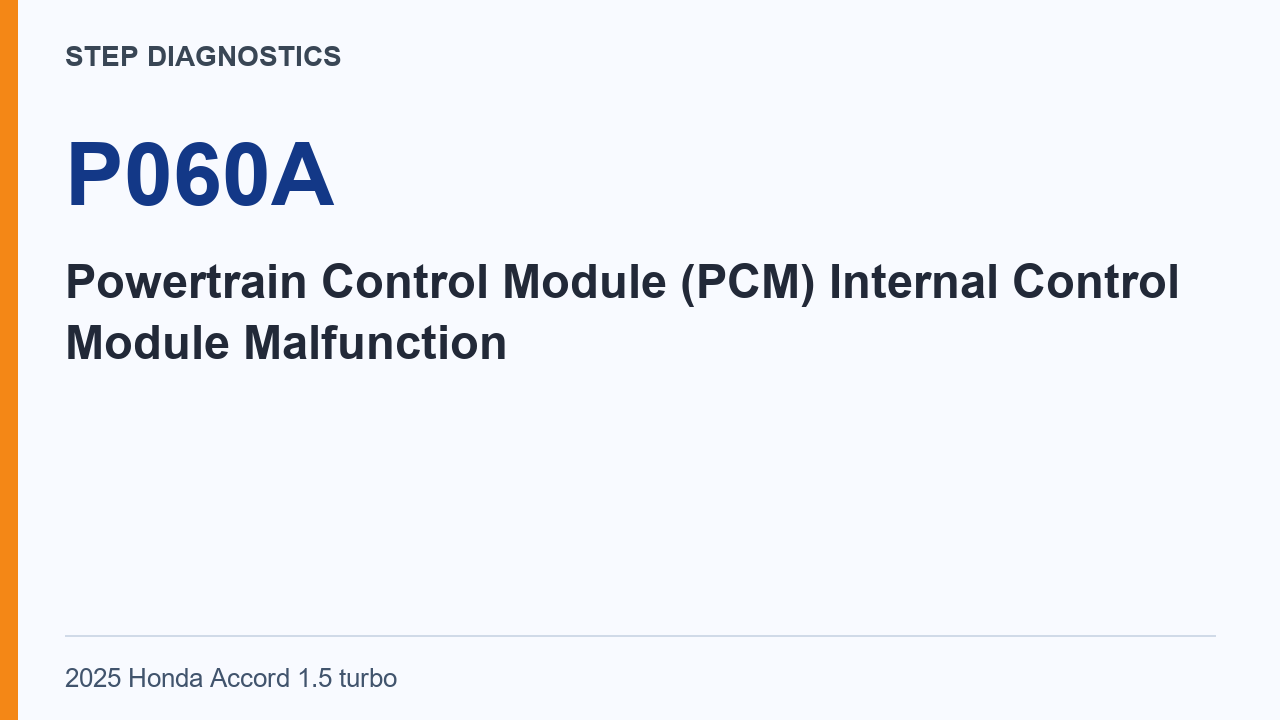
P0602 means Powertrain Control Module (PCM) Programming Error. If the PCM update is not completed, the PCM stores this code.
Check the listed prerequisite first
Troubleshoot any DTCs listed or indicated systems below first. - PCM Software [PGM-FI]: DTC U187F Troubleshoot any of the listed codes or indicated systems shown on screen first.
Begin the confirmation
To begin the confirmation procedure, turn the vehicle to the ON mode. For this check, the HDS function is PGM-FI > Data List.
Update the PCM
Keep the vehicle in ON mode while updating the PCM. Do not turn the vehicle to any other mode during the update. Doing so can damage the PCM. Now update the PCM.
The vehicle-mode instruction is part of this update step. It remains in force during the operation, including the warning about damage if the vehicle is turned to another mode. Keep that instruction with the update itself, before moving to the separate post-update confirmation.
Check the result after the update
Then run the confirmation procedure again. Turn the vehicle to the ON mode. The HDS function is PGM-FI > Data List. The normal result is that DTC P0602 is not indicated. If the result is abnormal, there is a problem with the PCM. If the result is normal, troubleshooting is complete, with a PCM software writing problem identified.
This is the result that determines the final branch after the update. Read whether P0602 is indicated under the repeated confirmation condition. The normal and abnormal outcomes have different meanings in this procedure, so retain the actual code observation with the conclusion reached.
Final check
The confirmation result after the PCM update can distinguish a software writing problem from a PCM problem.
The result record should make the sequence clear: prerequisite code work, confirmation, the PCM update under the stated mode condition, and repeated confirmation. Use the final code-indication result for the software-writing or PCM branch given here.