What this code means
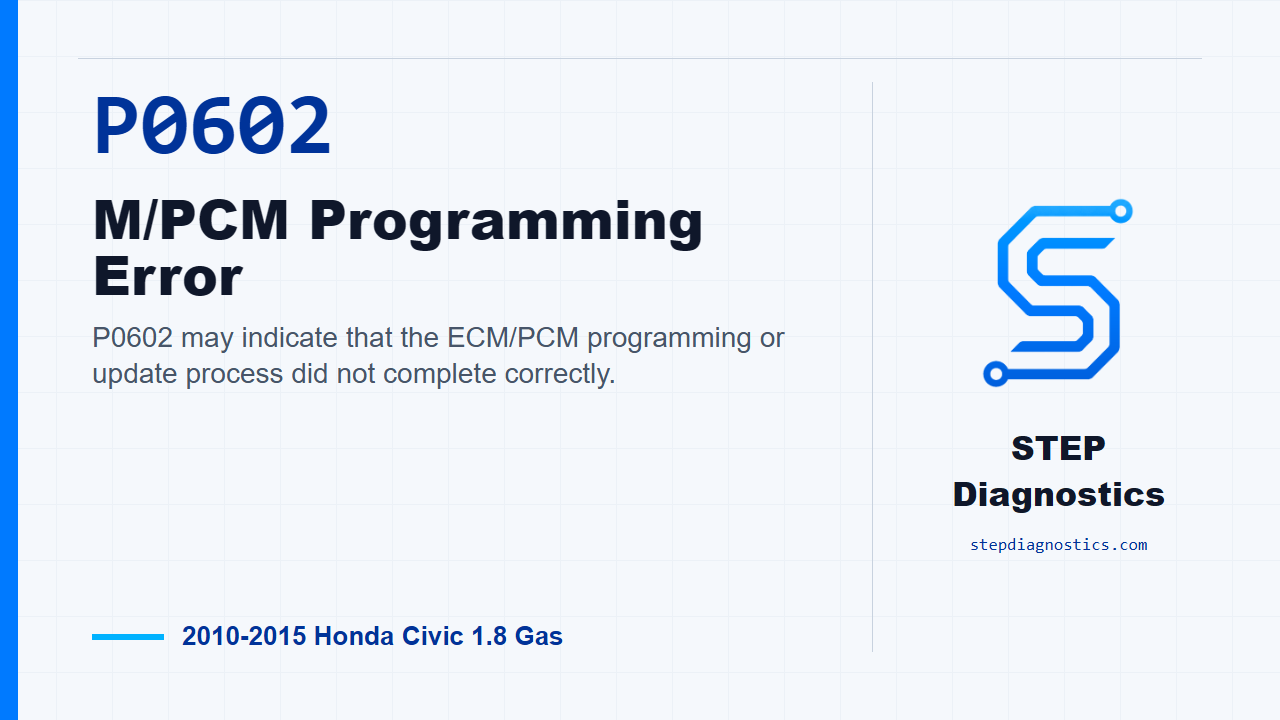
P0602 may indicate that the ECM/PCM programming or update process did not complete correctly.
What the vehicle may do
- The vehicle may set a warning light.
- The vehicle may have abnormal module behavior.
- The code may appear after an interrupted or incomplete update.
Possible fault areas
- Possible ECM/PCM update completion issue.
- Possible module programming state issue.
- Possible ECM/PCM damage related to the update process.
- Other stored codes may need separate diagnosis.
Diagnostic path
Set up the problem
On this 2010-2015 Honda Civic with the L4-1.8L engine, P0602 is an ECM/PCM programming error. In plain terms, the control module may not have completed its programming or update correctly. The vehicle may set a warning light, may have abnormal module behavior, or may just store the code after an interrupted update. The broad fault areas are the update process, the module programming state, possible ECM/PCM damage, and any other stored codes that may need their own diagnosis.
Before the update
Before troubleshooting this one, save the freeze data and any on-board snapshot. Then review the general troubleshooting information so you are not chasing a programming code with missing background information.
Complete the ECM/PCM update
The first actual step is to do the ECM/PCM update procedure. This code is tied directly to an update that is not completed, so do not skip straight to parts. During the update, do not turn the ignition switch to ACC (I) or LOCK (0). If that happens, the ECM/PCM can be damaged.
Check the result with the scan tool
After the update procedure is completed, use the HDS and check for Pending or Confirmed DTCs. At this point, the key question is simple: is P0602 still indicated or not?
Make the P0602 decision
If P0602 is still indicated after the update procedure, the diagnostic path calls for replacing the ECM/PCM. If P0602 is not indicated, the update is complete. If other Pending or Confirmed codes are present, check what those codes mean and diagnose them on their own path instead of treating them as part of this P0602 decision.
Verify and wrap up
Keep the verification separate from the programming step: after the update, confirm with the HDS that P0602 is not Pending or Confirmed. The takeaway is that P0602 on this Civic is handled as an ECM/PCM update completion problem first, then a module replacement decision only if the code remains after the update. For more diagnostic training, visit stepdiagnostics.com.
Final check
This code is often approached by completing the ECM/PCM update first, then checking whether the code remains.
For more guided automotive diagnostics, visit STEP Diagnostics.