What this code means
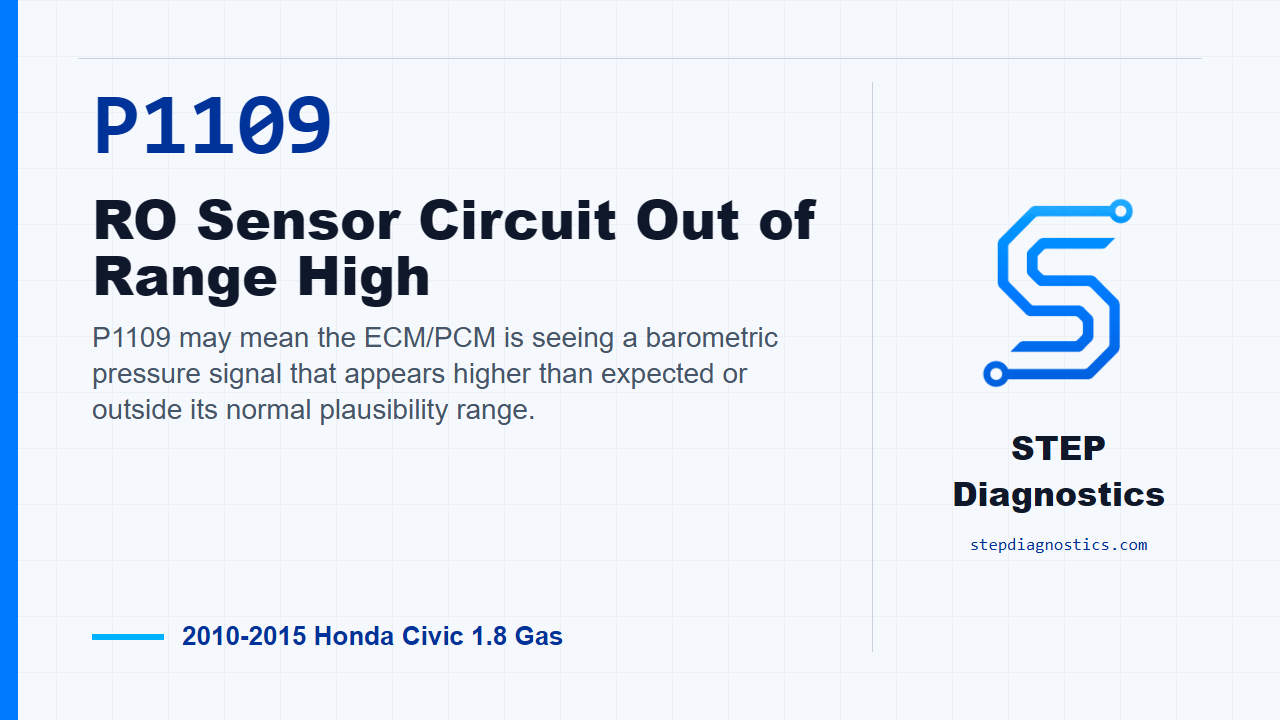
P1109 may mean the ECM/PCM is seeing a barometric pressure signal that appears higher than expected or outside its normal plausibility range.
What the vehicle may do
- The vehicle may have a warning light with few obvious symptoms.
- Some vehicles can show drivability changes because barometric pressure input can affect load and fueling calculations.
Possible fault areas
- Possible signal plausibility concerns
- Possible power, ground, or connector concerns
- Possible ECM/PCM software or control-module-related concerns
Diagnostic path
Opening context
On this 2010 to 2015 Honda Civic with the 1.8 gas engine, P1109 is a BARO sensor circuit out-of-range-high code. In plain language, the ECM/PCM is seeing a barometric pressure signal that may be outside the range it expects. The vehicle may have a warning light with little obvious drivability change, or it can have symptoms tied to how the computer calculates load and fueling. Broadly, this can involve signal plausibility, possible power or ground concerns, connector issues, software level, or the ECM/PCM itself. For this code, the diagnostic path is mostly a controlled verification path, not a long component-by-component circuit test.
Before testing
Before starting, record all freeze data and any on-board snapshot. Also start with the basic system checks so you know whether the code set under a repeatable condition or whether it may be intermittent.
Problem verification
Start the verification by turning the ignition switch to ON, position II. Then clear the DTC with the HDS. After that, check for Pending or Confirmed DTCs with the HDS and see whether P1109 comes back.
If the code does not return
If P1109 is not indicated after clearing and checking again, treat it as an intermittent failure. At that point, the system is OK at this time. Do not force a parts decision from a code that is not currently duplicating.
If the code returns
If P1109 is indicated, the failure is duplicated. The next move is to make sure the ECM/PCM has the latest software. If it does not, update the ECM/PCM. If that is not the path being taken, substitute a known-good ECM/PCM, then move into repair verification.
Repair verification
For repair verification, check again for Pending or Confirmed DTCs with the HDS and determine whether P1109 is indicated.
Verification result
If P1109 is still indicated and the ECM/PCM was updated, substitute a known-good ECM/PCM, then recheck. If the ECM/PCM was already substituted, go back to the start of the verification path and repeat it in order.
Completion
If P1109 is not indicated during repair verification, troubleshooting for this code is complete. If a substitute ECM/PCM was used, replace the original ECM/PCM. If any other Pending or Confirmed DTCs are present, check those codes through their own diagnostic paths.
Takeaway
The key with P1109 on this Civic is to verify whether the code is repeatable, handle the ECM/PCM software or known-good module step only when the failure duplicates, and then confirm the code stays gone. For more diagnostic training, visit stepdiagnostics.com.
Final check
Verify whether P1109 is repeatable first, then follow the ECM/PCM update or known-good module verification path and confirm the code stays gone.
For more guided automotive diagnostics, visit STEP Diagnostics.