What this code means
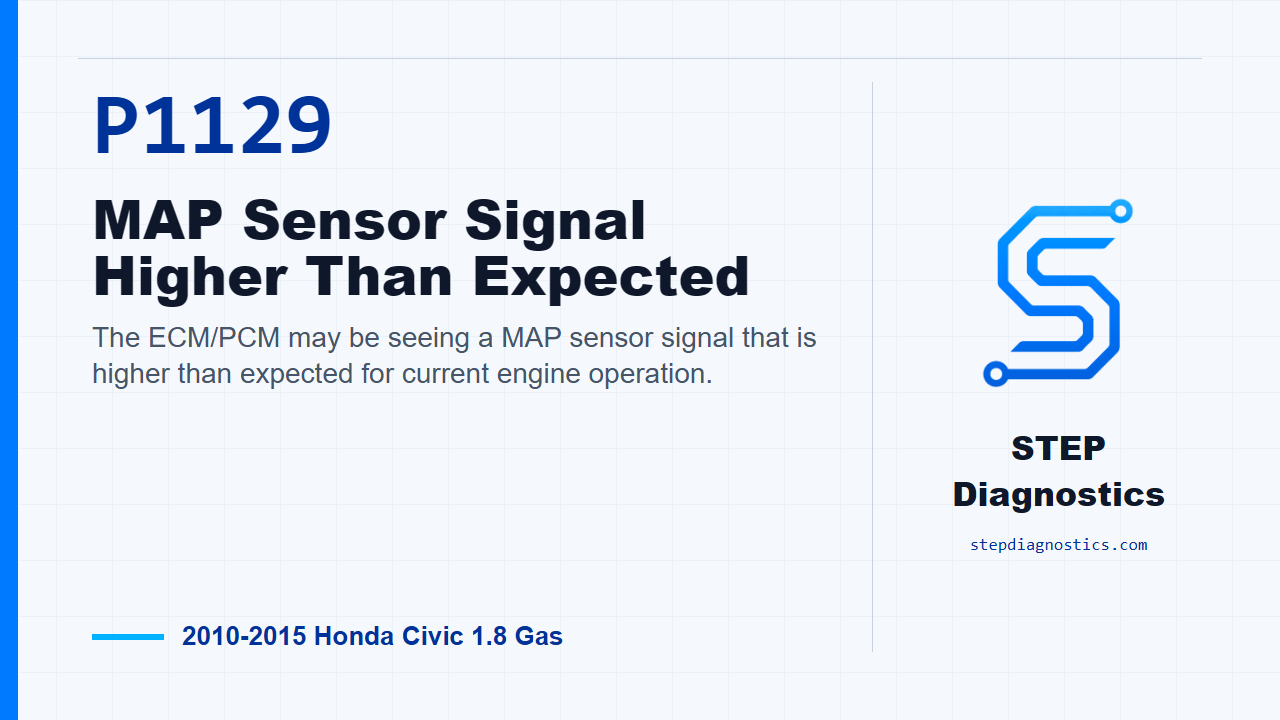
The ECM/PCM may be seeing a MAP sensor signal that is higher than expected for current engine operation.
What the vehicle may do
- The vehicle may turn on a warning light.
- The engine may feel normal, or it may have light drivability symptoms depending on when the fault occurs.
Possible fault areas
- A vacuum leak may be involved.
- The MAP sensor signal may be out of range for the operating condition.
- Connector or terminal issues at the MAP sensor or ECM/PCM can be possible.
Diagnostic path
Opening context
On this Civic, P1129 means the ECM/PCM is seeing the MAP sensor signal higher than expected. In plain language, the pressure reading from the intake manifold may not match what the computer expects for the way the engine is operating. The vehicle may have a warning light, may feel normal, or may have light drivability complaints depending on when the fault shows up. The broad fault areas here can include a vacuum leak, the MAP sensor signal itself, or poor connections at the MAP sensor or ECM/PCM. Start by saving the freeze data and any on-board snapshot before you clear or disturb anything. That captured information gives you the best shot at duplicating the same conditions later.
Check for vacuum leaks first
The first hands-on check is for vacuum leaks. Inspect the PCV valve and hose, EVAP canister purge valve, throttle body, intake manifold, brake booster, and brake booster hose. If you find a vacuum leak, repair or replace the leaking part, then move to repair verification. If you do not find a vacuum leak, keep the diagnosis moving and check MAP sensor performance next.
Check MAP sensor performance
For the MAP sensor performance check, start the engine. Hold the engine at 3,000 rpm with no load, with the automatic in P or N, or the manual transmission in neutral, until the radiator fan comes on. Then let it idle. With the HDS, watch MAP SENSOR in the data list. The decision point is whether the reading holds more than 36.9 kPa (11.0 inHg, 277 mmHg) or 1.1 V for more than 5 seconds. If it does, replace the MAP sensor, then verify the repair. If it does not meet that threshold, continue on and try to duplicate the code under the road-test conditions.
Duplicate the failure under the monitor conditions
Next, clear the DTC with the HDS and run the road test to reproduce the operating conditions. The monitor gates are: ECT SENSOR 1 above 158 °F (70 °C), engine speed between 1,200-4,800 rpm, automatic transmission in D or manual transmission in 3rd, vehicle speed between 55-75 mph (90-120 km/h) for 10 seconds, then decelerate with the throttle fully closed for 5 seconds. After that, check the OBD STATUS for P1129 in the HDS DTCs menu. If the HDS shows FAILED, the fault is duplicated; replace the MAP sensor, then verify the repair. If it shows PASSED, treat it as an intermittent failure for now. The system is OK at this time, so check for poor connections or loose terminals at the MAP sensor and the ECM/PCM. If it shows NOT COMPLETED, pause, recheck that the operating conditions were actually met, and avoid guessing before repeating the check.
Verify the repair separately
Keep repair verification separate from the testing path. Turn the ignition switch to ON (II), reset the ECM/PCM with the HDS, and do the ECM/PCM idle learn procedure. Start the engine, hold it at 3,000 rpm with no load, with the automatic in P or N, or the manual transmission in neutral, until the radiator fan comes on, then let it idle. Run the same specified road-test conditions and monitor the OBD STATUS for P1129. If the HDS shows PASSED, troubleshooting is complete. If any other pending or confirmed codes are present, check what they mean first. If it shows FAILED, go back to the beginning of the diagnostic path and recheck. If it shows NOT COMPLETED, meet the test condition and check OBD STATUS again.
Takeaway
The key with P1129 is not to jump straight to a part. Save the captured data, rule out vacuum leaks, check the MAP sensor reading at idle after warm-up, then duplicate and verify the code with the HDS under the required conditions. For more diagnostic training, visit stepdiagnostics.com.
Final check
This code is often best approached by checking for vacuum leaks first, then comparing the MAP sensor data to the required decision point and verifying the result with the HDS.
For more guided automotive diagnostics, visit STEP Diagnostics.