What this code means
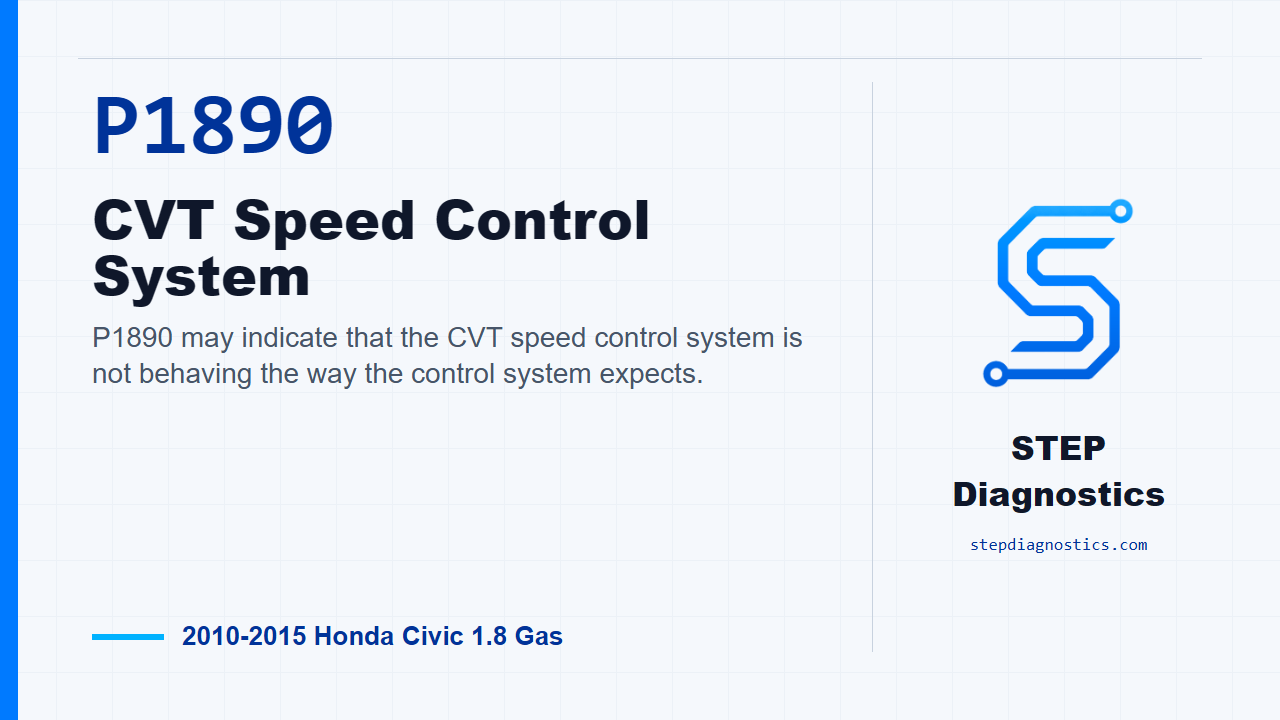
P1890 may indicate that the CVT speed control system is not behaving the way the control system expects.
What the vehicle may do
- The vehicle may have abnormal CVT operation.
- The driver may notice a warning light with little or no obvious drivability symptom.
- The condition can be intermittent and may only appear under certain driving conditions.
Possible fault areas
- Possible CVT speed control system concern.
- Possible related control input or signal plausibility concern.
- Possible intermittent condition tied to operating conditions.
Diagnostic path
Open and setup
On this Civic, P1890 points us toward the CVT speed control system. In plain terms, the transmission control side may not be seeing the speed-control behavior it expects. The driver may notice CVT operation that feels abnormal, or there may only be a warning light and a stored code. Broadly, this can involve the CVT speed control system, related control inputs, or an intermittent operating-condition issue. Before going into the code path, start with the basic system checks so you are not chasing a symptom caused by a more basic problem.
Check for other codes first
First, turn the ignition switch to ON (II), or press the engine start/stop button to select ON mode. With the HDS, check for Pending or Confirmed DTCs. If any code other than P1890 is present, handle that indicated code first. If P1890 is the only code, continue with the P1890 verification drive.
Duplicate the P1890 failure
For the verification, keep the ignition in ON mode and clear the DTC with the HDS. Start the engine and warm it up to normal operating temperature, with the radiator fan coming on twice. Then test-drive the vehicle in D on a flat road. Accelerate slowly until vehicle speed reaches 37 mph (60 km/h), then keep the vehicle at speeds about 37 mph (60 km/h) for at least 60 seconds. While doing that, monitor the OBD STATUS for P1890 in the DTCs menu with the HDS.
Read the monitor result
Now use the HDS status to decide what the test proved. If the status shows FAILED, the failure has been duplicated, and this diagnostic path calls for transmission replacement. If the status shows PASSED, treat it as an intermittent failure and the system is OK at this time. If captured operating data is available for this code, try to reproduce the failure under those same conditions. If the status shows NOT COMPLETED, run the test drive again instead of guessing.
Takeaway
The key on P1890 is not to jump ahead. Check for other codes first, clear and duplicate the complaint under the specified drive conditions, and let the HDS status tell you whether the failure is present, intermittent, or not yet evaluated. For more diagnostic training, visit stepdiagnostics.com.
Final check
P1890 is best approached by checking for other codes first, then reproducing the operating conditions and using the scan tool status to guide the next decision.
For more guided automotive diagnostics, visit STEP Diagnostics.