What this code means
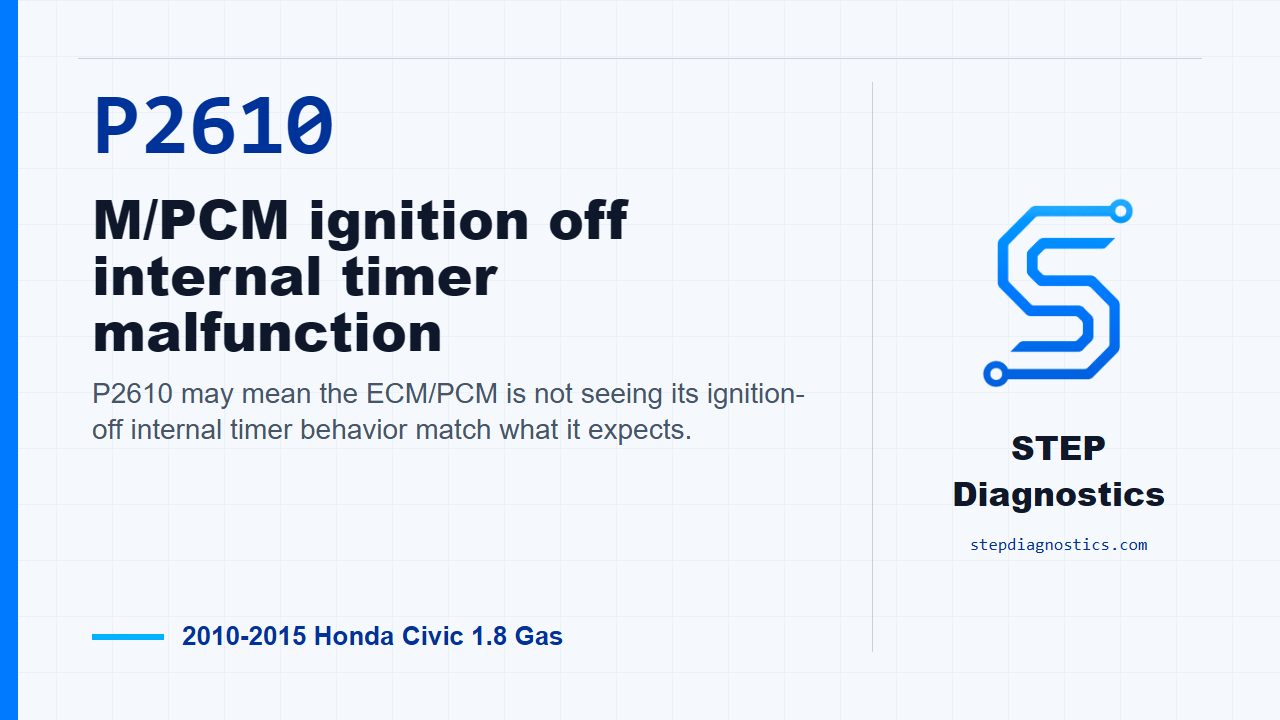
P2610 may mean the ECM/PCM is not seeing its ignition-off internal timer behavior match what it expects.
What the vehicle may do
- The vehicle may turn on the check engine light.
- The vehicle may not have an obvious driveability symptom.
- The code can be intermittent.
Possible fault areas
- Possible ECM/PCM software status issue.
- Possible ECM/PCM internal timing logic concern.
- Possible ignition or power state input concern.
Diagnostic path
Opening context
On this 2010 to 2015 Honda Civic with the 1.8 gas engine, P2610 points to an ECM/PCM ignition-off internal timer malfunction. In plain terms, the module may not be tracking its key-off timing the way it expects. The car may set a check engine light, and it may not show much of a driveability complaint. Broadly, this can involve ECM/PCM software status, the module’s internal timing logic, or possible ignition and power state inputs. Before getting into the test path, capture and save the stored snapshot information, then start with the basic system checks and follow a structured diagnostic approach.
Problem verification
Start the problem verification with the ignition switch in ON (II). Clear the code with the HDS, then check for Pending or Confirmed DTCs with the HDS. At this point, the key question is simple: is P2610 indicated again?
Decision after verification
If P2610 is indicated, the failure is duplicated. The next move is to make sure the ECM/PCM has the latest software. If it does not, update it. If that does not apply, substitute a known-good ECM/PCM, then move into repair verification. If P2610 is not indicated, treat it as an intermittent failure and the system is OK at this time. If any other Pending or Confirmed codes are present, handle those code paths separately instead of chasing P2610 further right now.
Repair verification
Keep verification separate from the testing. After the update or known-good ECM/PCM step, turn the ignition switch to ON (II), clear the DTC with the HDS, and check again for Pending or Confirmed DTCs with the HDS. The goal is to confirm whether P2610 stays gone.
Verification results
If P2610 is indicated during repair verification and the ECM/PCM was updated, substitute a known-good ECM/PCM and recheck. If the ECM/PCM had already been substituted, go back to the beginning of the diagnostic path and avoid guessing. If P2610 is not indicated, troubleshooting is complete. If a known-good ECM/PCM was used for substitution, replace the original ECM/PCM. If any other Pending or Confirmed codes are present, diagnose those separately.
Takeaway and CTA
The takeaway on P2610 is that this path is mostly a clean confirmation routine: duplicate the code, address ECM/PCM software or substitution as directed, then verify the code stays gone before calling it fixed. For more diagnostic training, visit stepdiagnostics.com.
Final check
P2610 is often handled by confirming the code, addressing ECM/PCM software or substitution when the fault is duplicated, and then verifying that the code does not return.
For more guided automotive diagnostics, visit STEP Diagnostics.