What this code means
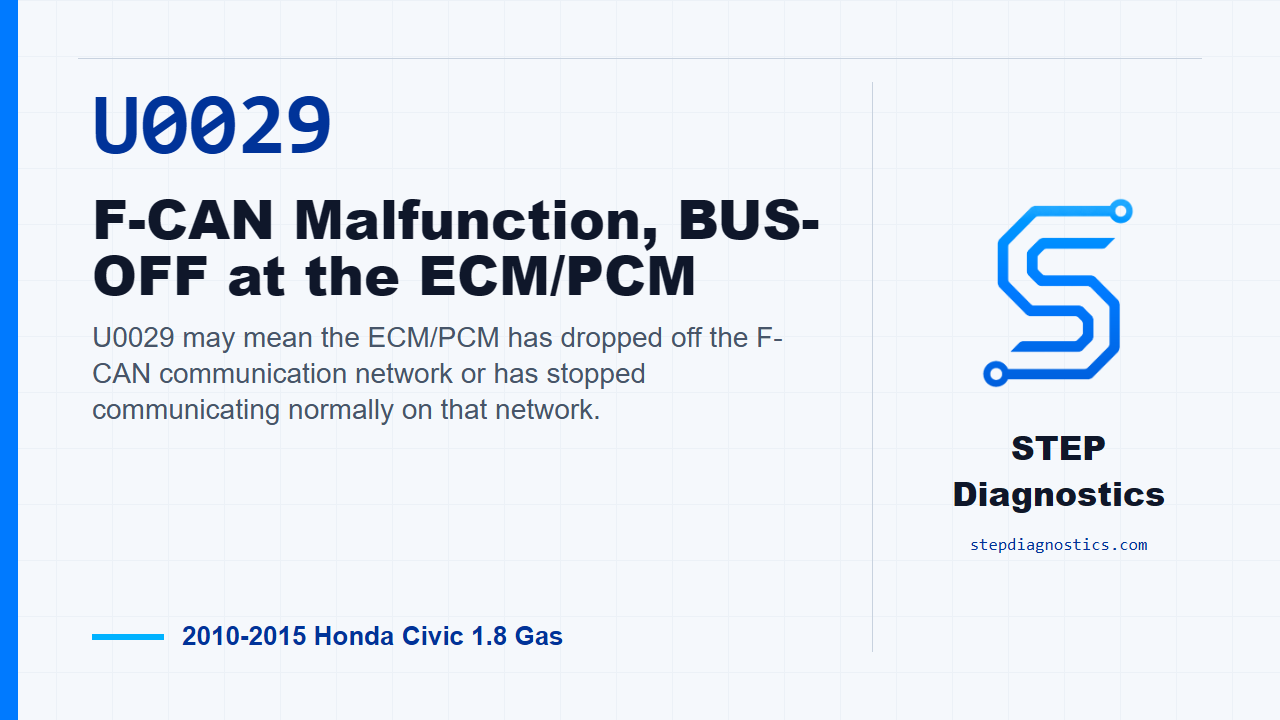
U0029 may mean the ECM/PCM has dropped off the F-CAN communication network or has stopped communicating normally on that network.
What the vehicle may do
- The vehicle may show warning lights.
- A scan tool may show communication-related symptoms.
- The condition can be intermittent and may not be present during every check.
Possible fault areas
- Possible F-CAN communication issue.
- Possible ECM/PCM software status concern.
- Possible ECM/PCM concern.
- Possible related power, ground, or ignition-feed condition.
Diagnostic path
Opening context
On this 2010 to 2015 Honda Civic with the 1.8 gas engine, U0029 points to an F-CAN communication malfunction involving the ECM/PCM going bus-off. In plain terms, the engine computer may be dropping off the communication network. The vehicle may have warning lights, scan tool communication issues, or an intermittent condition that is not present every time you check it. Broadly, this can involve a possible network communication problem, ECM/PCM software status, the ECM/PCM itself, or related power, ground, and ignition-feed conditions. For this code, the diagnostic path is short, so the key is to capture the data, clear it correctly, and see whether the fault comes back.
Before clearing anything
Before you troubleshoot, save all freeze data and any on-board snapshot. That information matters on an intermittent network code because it gives you the conditions that were present when the fault set. After that, start with the basic system checks and follow a structured diagnostic approach so you are not chasing the code blind.
Problem verification
For problem verification, turn the ignition switch to ON (II). Then clear the DTC with the HDS. After the code is cleared, check for Pending or Confirmed DTCs with the HDS and look specifically for U0029.
If U0029 returns during verification
If U0029 is indicated after that check, the failure is duplicated. At that point, update the ECM/PCM if it does not already have the latest software, or substitute a known-good ECM/PCM. Then move into repair verification.
If U0029 does not return during verification
If U0029 is not indicated, treat it as an intermittent failure. The system is OK at this time. Do not force a repair just because the code was stored before; keep the captured data in mind and avoid guessing.
Repair verification
For repair verification, check again for Pending or Confirmed DTCs with the HDS. If U0029 is still indicated and the ECM/PCM was updated, substitute a known-good ECM/PCM and recheck. If the ECM/PCM was already substituted, go back to the beginning of the verification path and run it again in order.
When the code stays gone
If U0029 is not indicated during repair verification, troubleshooting is complete. If a known-good ECM/PCM was substituted, replace the original ECM/PCM. If other Pending or Confirmed codes are present, check what those codes mean first and diagnose them on their own path.
Takeaway
The takeaway on U0029 is simple: save the data first, clear and recheck with the HDS, and let the code’s return or absence decide whether you are dealing with a duplicated ECM/PCM F-CAN fault or an intermittent condition. For more diagnostic training, visit stepdiagnostics.com.
Final check
Save the data, clear and recheck the code with the HDS, then verify whether U0029 returns before deciding the next step.
For more guided automotive diagnostics, visit STEP Diagnostics.