What this code means
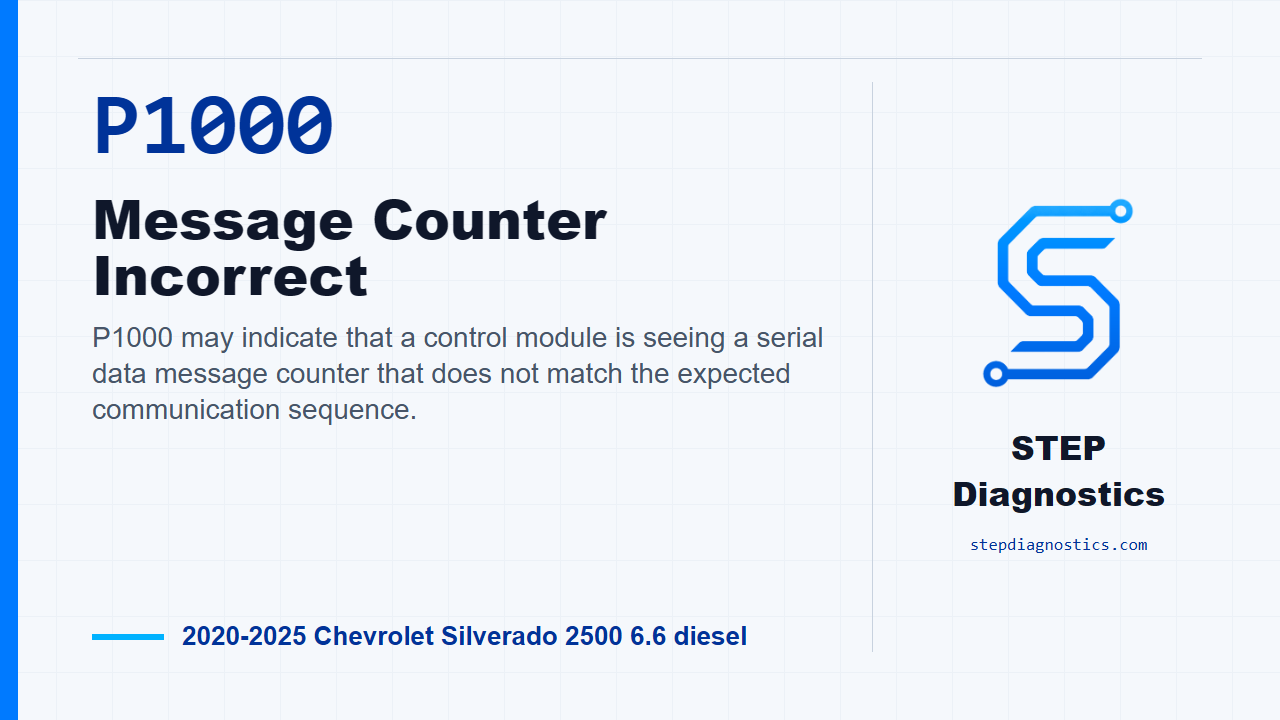
P1000 may indicate that a control module is seeing a serial data message counter that does not match the expected communication sequence.
What the vehicle may do
- The vehicle may operate normally.
- Warning lamps or service messages may appear.
- Communication-related symptoms can be intermittent.
Possible fault areas
- Possible serial data communication issue.
- Possible transmitting component concern.
- Possible receiving component concern.
- Possible related serial data DTCs that need to be understood first.
Diagnostic path
Open on P1000
On this 2020 to 2025 Chevrolet Silverado 2500 with the 6.6 diesel, P1000 is a message counter incorrect fault in serial data communication. In plain terms, one module may be seeing the message count from another module not line up the way it should. The truck may act normal, or it may show warning lamps, service messages, or intermittent communication-related behavior. The broad areas are the serial data network, the module sending the message, the module receiving it, and any related serial data faults that are present at the same time. The key is to stay structured and not jump past the communication checks.
How the fault runs and sets
Before testing, understand the monitor. The ignition has to be on for greater than 3 s, serial data has to be enabled, and after those gates are met the diagnostic runs continuously. The code sets when the serial data message counter incorrect condition is seen at the component, and that condition has to occur 5 times.
Start the diagnostic path
Start with the basic system checks first, then follow a structured diagnostic approach. From there, keep the diagnostic category in mind so this message-counter fault stays on the correct communication path. After that, turn the ignition on or put the vehicle in service mode. That puts the network in the state needed for the first checks.
Check for related serial data faults
Now verify there are no DTCs set related to serial data. If other serial data codes are present, check what they mean first before chasing P1000. If no related serial data DTC is set, clear the DTCs and move on to the reproduce-and-verify part of the test.
Reproduce the operating conditions
Operate the vehicle within the running conditions for the code, then verify that P1000 does not set. If the code stays gone, that branch is all OK. If P1000 does set again, turn the ignition and vehicle off before moving to the component side of the diagnostic path.
Transmitting component path
If P1000 comes back after clearing and retesting, the next step is the transmitting component. Replace the transmitting component, then operate the vehicle within the running conditions again and verify the DTC does not set. If it stays gone at that point, that branch is all OK.
Receiving component path and final verification
If P1000 still sets after the transmitting component path, replace the receiving component. Keep verification separate from the component decision: after the repair is complete, verify the repair and confirm the code stays gone. If a test result does not line up cleanly with the earlier path, pause, recheck the previous diagnostic steps, and avoid guessing.
Takeaway
The takeaway on P1000 is simple: prove the serial data side is clean first, clear and reproduce the monitor, then follow the transmit-side and receive-side decision path in order. For more diagnostic training, visit stepdiagnostics.com.
Final check
P1000 often needs a structured serial data diagnostic path rather than a random parts or wiring check.
For more guided automotive diagnostics, visit STEP Diagnostics.