What this code means
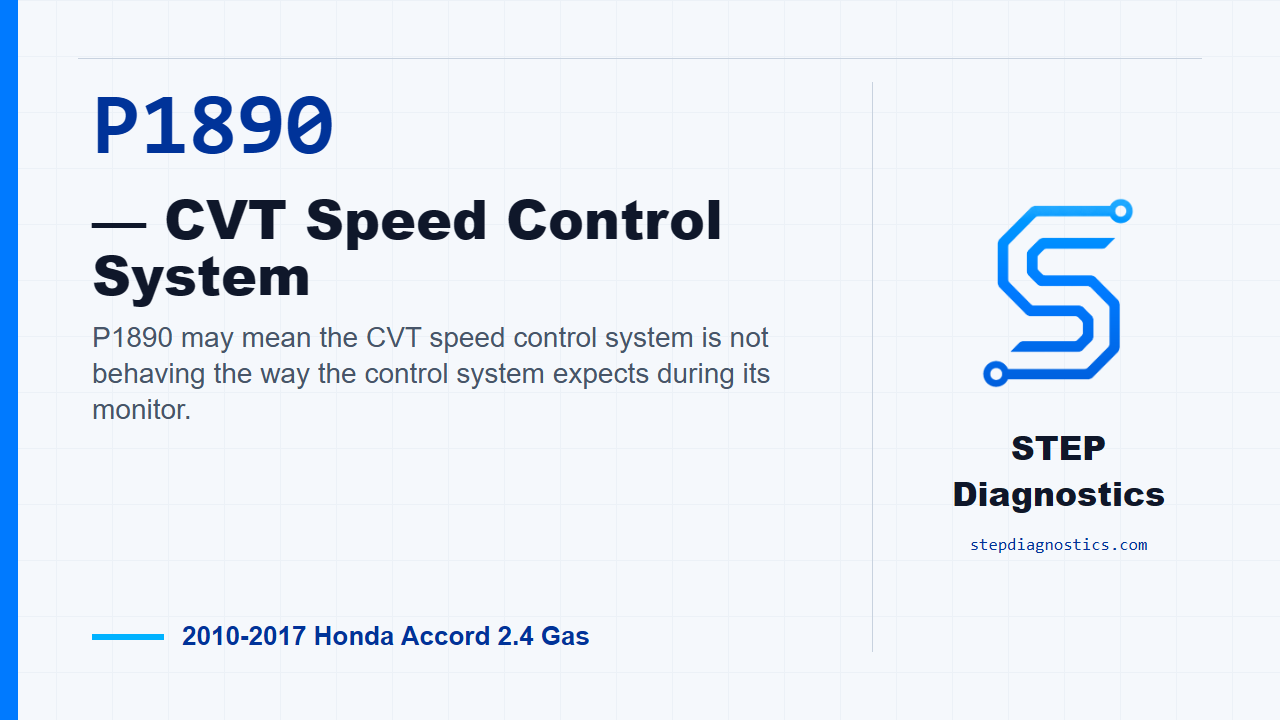
P1890 may mean the CVT speed control system is not behaving the way the control system expects during its monitor.
What the vehicle may do
- The vehicle may turn on a warning light.
- The CVT may show an intermittent drivability concern.
- The vehicle can sometimes feel normal until the monitor runs.
Possible fault areas
- Possible CVT speed control system concern.
- Possible transmission control operating-condition issue.
- Possible intermittent condition.
- Possible related-code context that may need to be handled first.
Diagnostic path
Opening context and setup
For this 2010 through 2017 Honda Accord with the 2.4 gas engine, P1890 points to the CVT speed control system. In plain language, the transmission control side may be seeing the CVT speed control behavior fall outside what it expects. The vehicle may have a warning light, may show an intermittent drivability concern, or it can seem normal until the monitor runs. Broadly, you’re thinking about possible CVT speed control operation, captured operating conditions, other code context, and an intermittent fault. Before you troubleshoot it, save all freeze data and any on-board snapshot with the HDS, then start with the basic system checks.
Check for other codes first
Next, turn the ignition switch to ON (II), or use the engine start/stop button to select ON mode. With the HDS, check Pending and Confirmed DTCs. If there are any codes besides P1890, don’t chase this one first. Check what those codes mean first and follow that diagnostic path. If P1890 is the only code present, continue with the P1890 verification drive.
Reproduce the P1890 monitor
To verify the problem, keep the ignition in ON mode and clear the DTC with the HDS. Start the engine and warm it up to normal operating temperature, meaning the radiator fan comes on twice. Then test-drive the vehicle in D on a flat road. Accelerate slowly until vehicle speed reaches 37 mph (60 km/h), then hold the vehicle around 37 mph (60 km/h) for at least 60 seconds. Watch the OBD STATUS for P1890 in the HDS DTCs menu. If the HDS shows FAILED, the diagnostic path calls for replacing the transmission, then moving to repair verification. If it shows PASSED, treat it as an intermittent failure and the system is OK at this time. If it shows NOT COMPLETED, the monitor did not finish, so run the test drive again under the required conditions.
Verify the repair and confirm the code stays gone
Keep verification separate from the failure check. For repair verification, turn the ignition switch to ON (II), or select ON mode with the engine start/stop button, and clear the DTC with the HDS. Start the engine and warm it up until the radiator fan comes on twice. Test-drive in D on a flat road. From a stop, accelerate at over 0.5/8 throttle, using 1.22 V of APP sensor voltage while monitoring APP Sensor A (V) with the HDS, until vehicle speed reaches 37 mph (60 km/h) for at least 18 seconds. Then keep the vehicle around 37 mph (60 km/h) for at least 60 seconds. Monitor the OBD STATUS for P1890. If it shows PASSED, troubleshooting for P1890 is complete, and then check for any other Pending or Confirmed DTCs. If another code is present, check what that code means next. If P1890 shows FAILED, the troubleshooting is incomplete; go back to the problem verification step and recheck. If it shows NOT COMPLETED, the verification did not finish, so meet the test condition and check OBD STATUS again.
Closing takeaway
The key on P1890 is to confirm it cleanly: save the captured data, rule out other code paths first, reproduce the CVT speed control monitor exactly, and keep repair verification as its own final check. For more diagnostic training, visit stepdiagnostics.com.
Final check
Confirm the code under the correct operating conditions, separate diagnosis from verification, and make sure the code stays gone.
For more guided automotive diagnostics, visit STEP Diagnostics.