What this code means
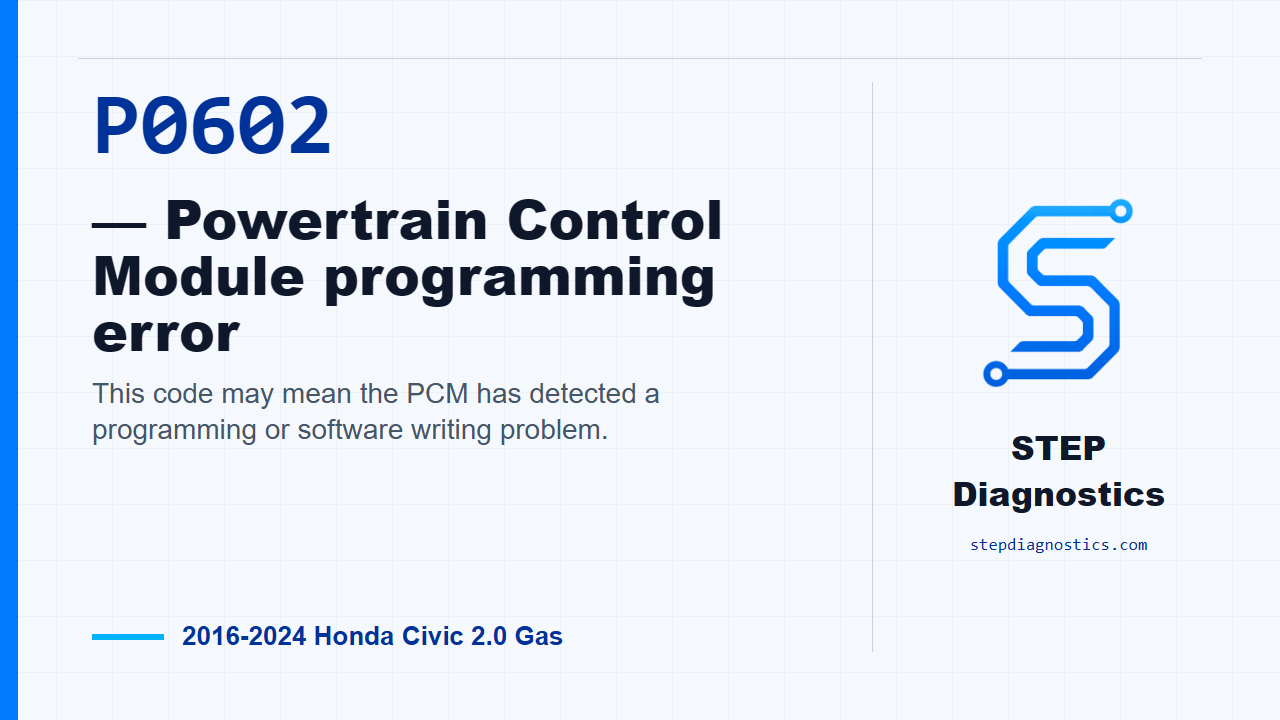
This code may mean the PCM has detected a programming or software writing problem.
What the vehicle may do
- The vehicle may show a warning light.
- Drivability may or may not change depending on how the PCM responds.
Possible fault areas
- Possible PCM software writing issue.
- Possible PCM update procedure that did not complete correctly.
- Possible PCM problem.
Diagnostic path
Set up the diagnosis
P0602 on this 2016 through 2024 Honda Civic with the 2.0 gas engine points to a PCM programming error. In plain language, the PCM may be seeing a problem with how its software was written or completed. The driver may only see a warning light, and drivability may or may not change. The possible fault area is narrow here: a PCM software writing issue, an update that did not complete correctly, or a possible PCM problem. Before chasing the code, start with the basic system checks and follow a structured diagnostic approach so you are not guessing.
Prepare the vehicle
Next, turn the vehicle to the ON mode. This sets the vehicle up for the PCM programming path used for this code.
Update the PCM
With the vehicle in ON mode, update the PCM. This is the key diagnostic action for P0602 because if the PCM update procedure is not completed, the PCM can determine that as an abnormality and store this code. While the update is running, do not switch the vehicle out of ON mode. If you do, the PCM can be damaged.
Confirm the result
After the update, run the confirmation procedure. The expected result is that DTC P0602 is not indicated. If P0602 is gone, the troubleshooting is complete and the fault was a PCM software writing problem. If P0602 is still indicated, the path points to a problem with the PCM. At that point, pause, recheck the earlier diagnostic path, and avoid guessing beyond the confirmed result.
Takeaway
For this code, keep the process tight: do the basic checks, keep the vehicle in ON mode during the PCM update, then verify that P0602 stays gone. For more diagnostic training, visit stepdiagnostics.com.
Final check
Confirm the basics first, complete the PCM update path carefully, and verify that P0602 is no longer indicated.
For more guided automotive diagnostics, visit STEP Diagnostics.